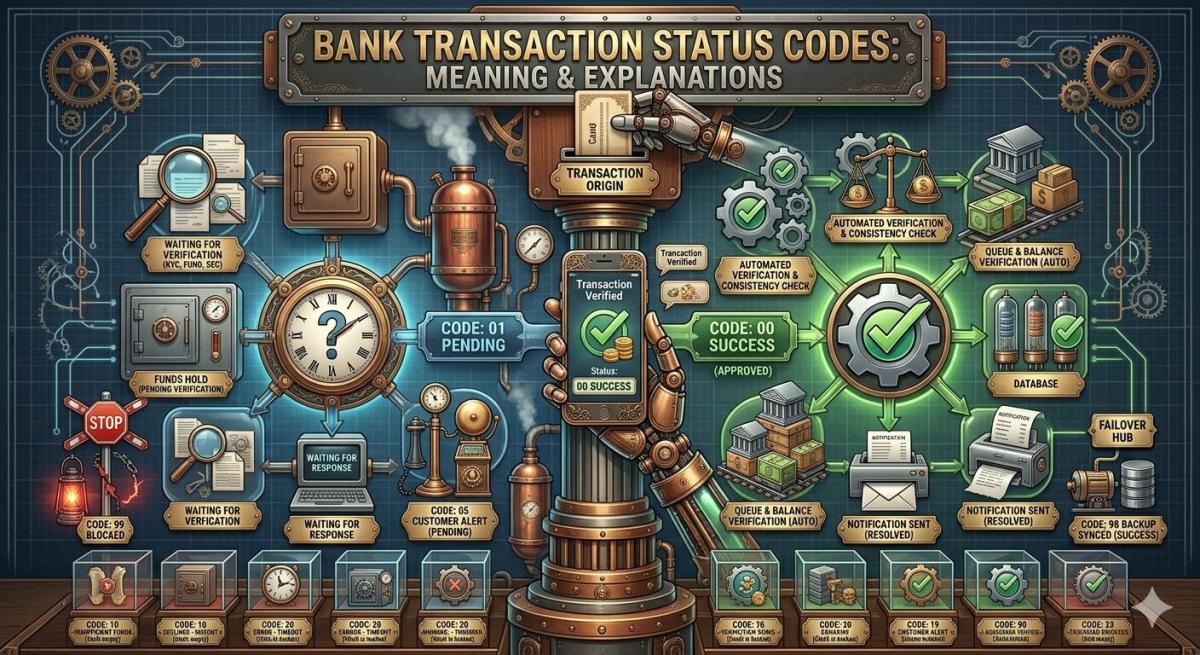
Bank Transaction Status Codes: Meaning & Explanations
Confused by bank transaction jargon? We decode terms like Pending, Posted, Declined, and Reversed so you know exactly where your money is and what to do next.
Arjun Sharma
Content Lead – Banking & Payments
10 min read
Table of Contents
Have you ever stared at your bank statement or online banking app, utterly bewildered by cryptic terms like “pending,” “declined,” or “reversed”? I certainly have. There was a time when a “pending” charge for a hotel stay lingered for over a week after checkout, tying up funds I desperately needed. It was frustrating, confusing, and frankly, a little anxiety-inducing. This experience taught me the critical importance of understanding the Meaning Of Bank Transaction Status Codes Explained. These seemingly mundane labels are far more than just administrative jargon; they are vital indicators of your financial health, the progress of your money, and often, the immediate actions you might need to take. Let’s demystify these codes together, empowering you to navigate your finances with confidence and clarity in an increasingly digital world.
The “Pending” Paradox
The “pending” status is perhaps one of the most common and often misunderstood transaction codes. When you see a transaction listed as pending, it means that the merchant has authorized the transaction, and your bank has placed a temporary hold on the funds. However, the money has not yet been fully transferred from your account to the merchant’s. This is a crucial distinction, as the funds are no longer available for other spending, but the transaction isn’t yet finalized. Think of it as a reservation for your money, waiting for the final check-in.
This temporary hold can last anywhere from a few hours to several business days, depending on the merchant’s processing times and your bank’s policies. Common scenarios for pending transactions include gas station pre-authorizations, hotel bookings, or large online purchases. While pending, the transaction can theoretically still be canceled by the merchant, though this is rare once authorization is granted. It’s essential to remember that even if a pending transaction disappears, it doesn’t mean it’s gone forever; it might simply be re-queued for processing or drop off if the merchant fails to complete it within a set timeframe.
Decoding “Completed” and “Posted”
When a transaction moves from “pending” to “completed” or “posted,” it signifies the finality of the transfer. This is the moment your money officially leaves your account and arrives in the merchant’s account. At this stage, the transaction is fully processed and recorded on your statement, impacting your available balance permanently. For most people, seeing a transaction as “completed” brings a sense of relief, confirming that a payment has successfully gone through and is no longer subject to the whims of a temporary hold.
Understanding the difference between pending and completed is vital for accurate budgeting and financial planning. A completed transaction means the funds are definitively gone, making it a critical point for reconciling your accounts. While it’s rare for a completed transaction to be undone without a specific request, it’s not entirely impossible. However, any reversal at this stage typically involves a more formal process, such as a refund initiated by the merchant or a dispute filed by you, rather than an automatic cancellation. Always double-check your statements for completed transactions, especially for large sums or subscriptions.
The Frustration of “Declined” and “Failed”
Few things are as frustrating as having a payment “declined” or a transaction “failed” at the point of sale or during an online checkout. These codes indicate that your bank or the merchant’s payment processor refused to authorize or complete the transaction. The reasons can vary widely, from insufficient funds in your account to incorrect card details being entered. Sometimes, it’s a simple technical glitch, while other times, it could be your bank’s fraud detection system flagging an unusual purchase, especially if you’re traveling or making a large, out-of-character transaction.
When faced with a declined or failed transaction, your first step should always be to check your account balance and ensure all card details were entered correctly. If the issue persists, contact your bank immediately. They can provide specific reasons for the decline and often resolve the issue on the spot, perhaps by lifting a temporary fraud alert or clarifying a misunderstanding. Remember, a declined transaction means no money has left your account, so you haven’t been charged, which is a small silver lining amidst the inconvenience. Being proactive can save you a lot of hassle, especially for time-sensitive payments in 2026.
Understanding “Reversed” and “Refunded”
A “reversed” transaction indicates that a previously approved charge has been undone, with the funds returned to your account. This often happens due to a duplicate charge, an incorrect amount being processed, or a merchant initiating a cancellation before the transaction fully settles. It’s distinct from a “refunded” transaction, which is typically initiated by the merchant after a purchase has been completed, often due to a return of goods or services not rendered. With a reversal, it’s as if the original transaction never truly happened.
While both reversed and refunded transactions result in money returning to your account, the internal processing differs. Refunds are typically initiated by the merchant through their payment system, and it can take several business days for the funds to appear. Reversals, on the other hand, can sometimes process more quickly as they often catch the transaction before it has fully settled. Always keep an eye on your statement to ensure the funds indeed return. If you’re awaiting a reversal or refund, it’s wise to track its progress and follow up with the merchant or your bank if it takes longer than expected.
The Nuances of Chargebacks
The term “chargeback” is a powerful consumer protection tool, allowing you to dispute a transaction directly with your bank rather than the merchant. This process is typically initiated when a merchant refuses to issue a refund, or if there’s evidence of fraud, services not rendered, or significant product defects. Unlike a simple reversal or refund, a chargeback is a formal dispute process that involves your bank investigating the claim on your behalf, which can lead to the funds being forcibly debited from the merchant’s account and returned to yours.
Initiating a chargeback is a more involved process than requesting a refund. It often requires you to provide documentation and evidence supporting your claim. While it offers excellent consumer protection, it should generally be a last resort after attempting to resolve the issue directly with the merchant. The chargeback process can be lengthy, sometimes taking weeks or even months to resolve, and it can impact the merchant’s relationship with their payment processor. Understanding this mechanism is crucial for protecting your financial interests in complex situations.
Navigating “Hold” and “Authorization”
Beyond “pending,” you might encounter specific “hold” or “authorization” statuses that impact your available balance. These are often pre-authorization holds, common in industries like rental cars, hotels, or even some online retailers. When you check into a hotel, for instance, they might place an authorization hold for the estimated cost of your stay plus incidentals. This isn’t an actual charge yet, but it reduces your available funds by that amount, ensuring you have sufficient balance when the final bill is presented.
These holds are temporary and typically expire after a certain period, usually a few days to a week, or once the final transaction is processed. The critical distinction is that while a hold reduces your available balance, the money hasn’t actually been moved out of your account. It’s simply earmarked. If the final charge is less than the hold, the remaining held amount will be released back to your available balance. It’s always a good practice to inquire about any pre-authorization holds, especially for large amounts, to manage your finances effectively. Many banks are improving their transparency around these holds for 2026.
Key Takeaways
- Pending transactions are temporary holds: They reduce your available balance but the money hasn’t fully transferred. Be patient, but monitor them.
- “Declined” means no charge: If a transaction fails, your money hasn’t left your account. Check your details and balance, then contact your bank or merchant.
- Understand reversals vs. refunds: Reversals often undo original errors quickly, while refunds are merchant-initiated returns for completed purchases.
- Chargebacks are powerful consumer tools: Use them as a last resort for disputes, knowing they involve a formal process with your bank.
Frequently Asked Questions
What does “processing” mean for a bank transaction?
The “processing” status is very similar to “pending.” It indicates that your bank is actively working to move the funds from your account to the recipient’s. The transaction has been initiated and authorized, but it hasn’t yet been fully settled and recorded on your statement. It’s in an intermediate stage before becoming “completed” or “posted.”
Can a “completed” transaction be reversed by my bank without my request?
Generally, no. Once a transaction is “completed” or “posted,” it is considered final. A reversal at this stage would typically only occur through a formal process like a chargeback you initiated, or in very rare cases of a significant bank error that is later corrected. Otherwise, any return of funds for a completed transaction would be a “refund” initiated by the merchant.
How long do “pending” transactions usually take to clear?
The time it takes for a “pending” transaction to clear varies widely. Most pending transactions clear within 1 to 5 business days. Factors influencing this include the type of merchant, their banking processes, and the policies of your own financial institution. Large transactions or those made over weekends/holidays might take slightly longer.
What should I do if a transaction is “failed” but I see a charge on my account?
If a transaction is officially “failed” but you still see a corresponding charge, it’s likely a temporary authorization hold that will drop off. First, wait a few hours to see if it self-corrects. If not, immediately contact the merchant with proof of the failed transaction (e.g., a screenshot of an error message). If the merchant cannot resolve it, contact your bank and provide them with all relevant details; they can investigate and potentially dispute the charge.
Conclusion
Navigating the world of bank transaction status codes doesn’t have to be a source of confusion or anxiety. By understanding the core meanings of “pending,” “completed,” “declined,” “reversed,” and other related terms, you empower yourself to manage your finances more effectively. These codes are your financial compass, guiding you through the flow of your money and alerting you to situations that might require your attention. Stay informed, monitor your accounts diligently, and never hesitate to contact your bank or merchant when a status code leaves you scratching your head. Your financial clarity is worth the effort.
Related Blogs
Published on May 06, 2026
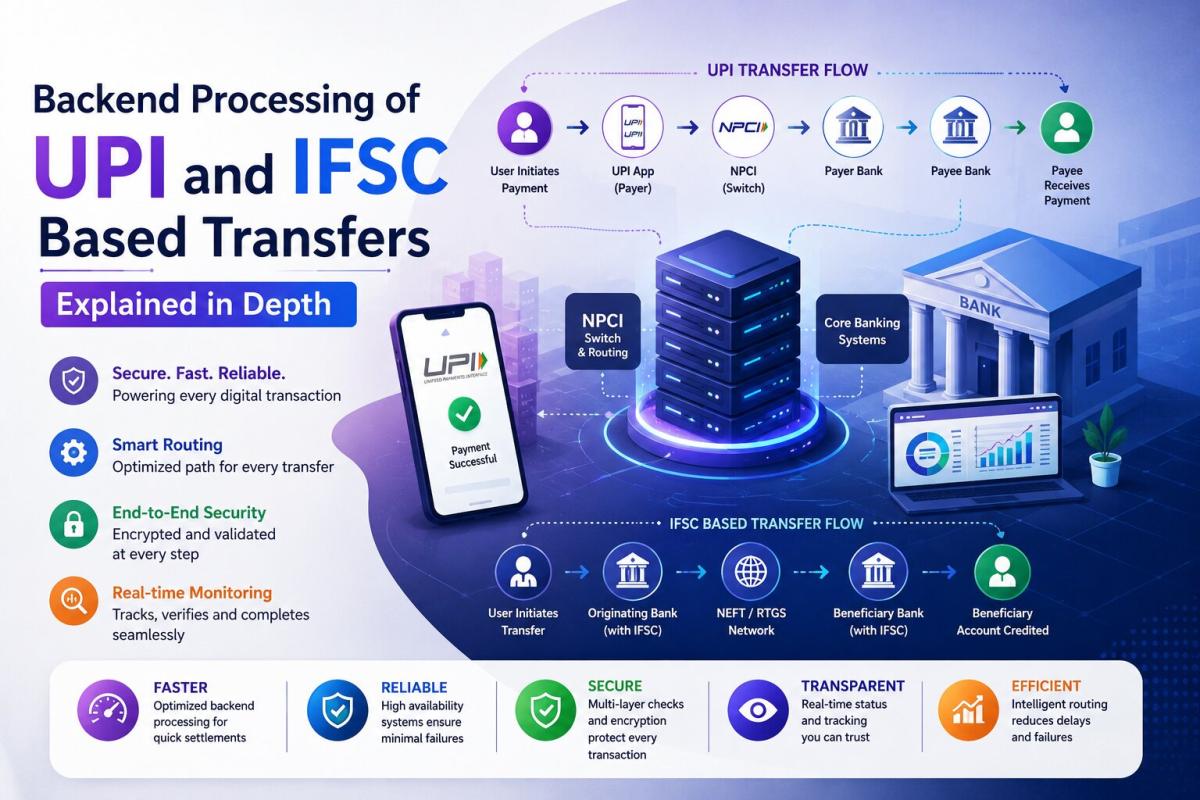
Backend Processing of UPI and IFSC Based Transfers Explained in Depth
Explore the backend processing of UPI and IFSC-based transfers, comparing real-time APIs, batch settlement systems, and how NPCI and RBI power secure digital payments in India.
Arjun Sharma
Content Lead – Banking & Payments
Published on May 06, 2026
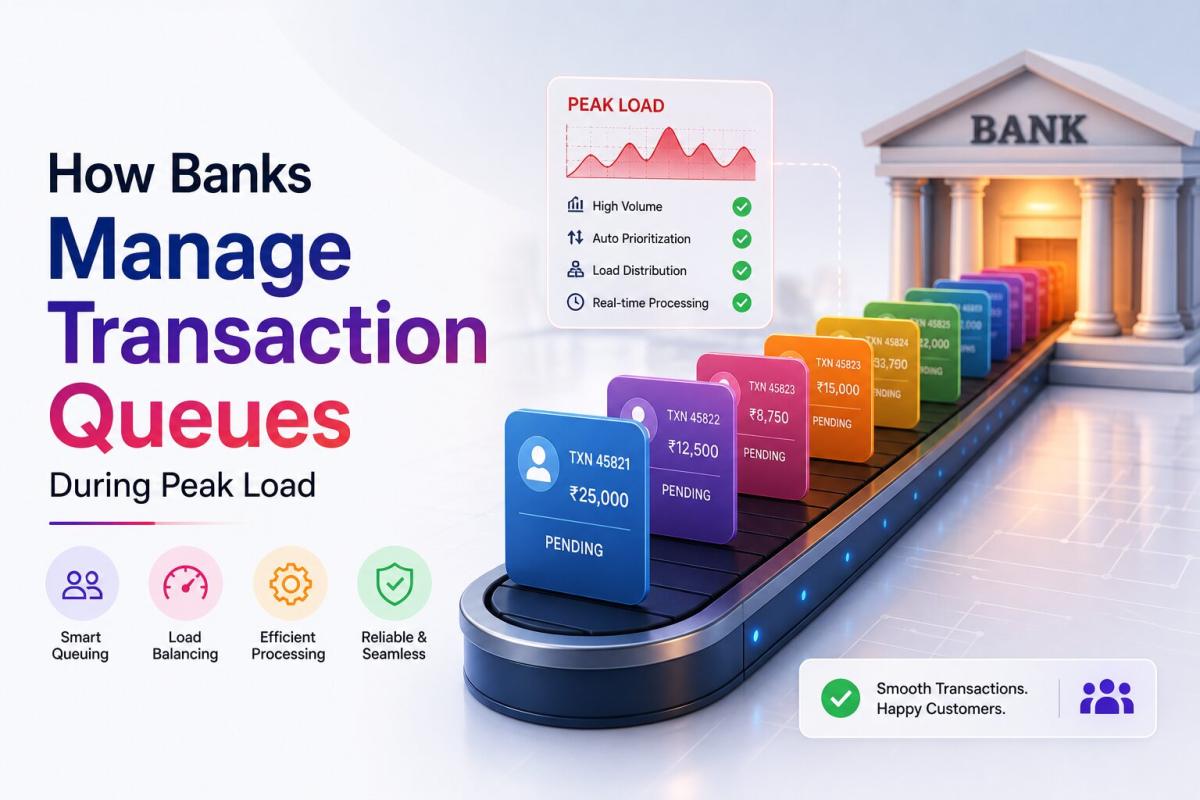
How Banks Manage Transaction Queues During Peak Load
Learn how banks manage transaction queues during peak load using distributed systems, priority queues, load balancing, and real-time processing to ensure fast and reliable payments. Author
Arjun Sharma
Content Lead – Banking & Payments
Published on May 06, 2026
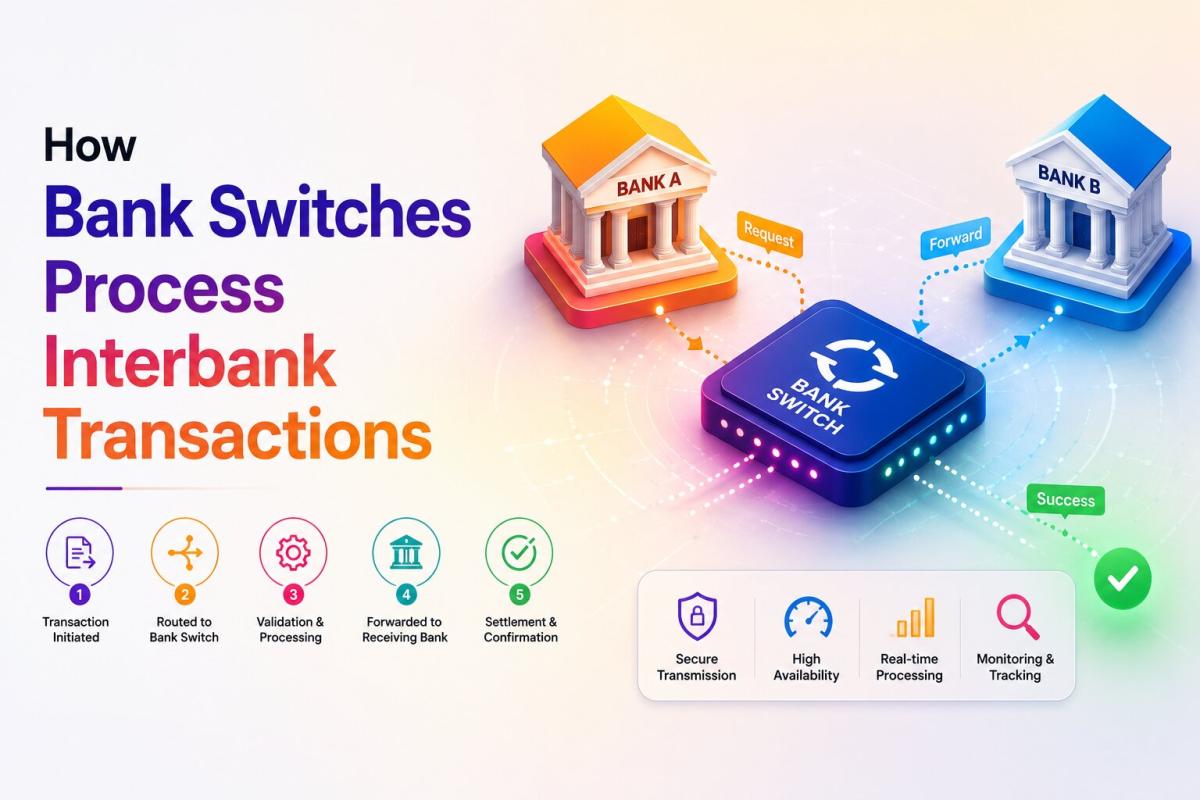
How Bank Switches Process Interbank Transactions
Learn how bank switches process interbank transactions by routing, authorizing, and securing payments between banks in real time using advanced switching systems and payment networks.
Arjun Sharma
Content Lead – Banking & Payments

Published on May 06, 2026
Technical Reasons Behind Delayed IMPS Transactions
Explore the technical reasons behind delayed IMPS transactions, including network latency, server downtime, bank processing delays, API failures, and high transaction volumes.
Arjun Sharma
Content Lead – Banking & Payments

Published on Apr 28, 2026
How Banks Sync Data Between Branches Instantly
Learn how banks sync data instantly across branches using core banking systems, real-time processing, high-speed networks, and secure database technologies.
Arjun Sharma
Content Lead – Banking & Payments
calculate Financial Calculators
EMI Calculator
FD Calculator
GST Calculator
Lumpsum Calculator
Mutual Fund Returns Calculator
PPF Calculator
RD Calculator
SIP Calculator
SWP Calculator
article Latest Blog Posts
ELSS vs PPF vs NPS: Which Tax-Saving Investment Gives the Best Returns?
Compare ELSS vs PPF vs NPS to find the best tax-saving investment. Understand returns, lock-in periods, and features to choose what suits your goals.
SIP & Investing • 11 MINS READ
How to Start SIP with ₹500 Per Month: Beginner's Guide to Mutual Funds
Learn how to start a SIP with ₹500 per month in mutual funds. Simple beginner’s guide to investing, building wealth, and growing money with small steps.
SIP & Investing • 13 MINS READ
Senior Citizen FD Rates 2026: Which Banks Offer the Highest Interest?
Compare senior citizen FD rates in 2026 and find which banks offer the highest interest. Learn about returns, tenures, and tips to choose the best FD.
FD, PPF & Savings • 12 MINS READ
Sukanya Samriddhi Yojana (SSY): Interest Rate, Rules & Calculator Guide 2026
Learn about Sukanya Samriddhi Yojana (SSY) including eligibility criteria, required documentation, step by step application process, tax benefits explanation and comparison b/w SSY, PPF and FD
FD, PPF & Savings • 11 MINS READ
2 reasons why online banking is important in today’s COVID-19 situation
Discover why online banking became essential during COVID-19. Learn how digital banking ensured safety, convenience, and uninterrupted financial services.
Digital Banking • 4 MINS READ