Canara Bank Net Banking: How to Add a Beneficiary and Enable International Transactions
Learn how to add beneficiaries and enable international transactions safely. Step-by-step guide to secure remittances and fund transfers abroad.
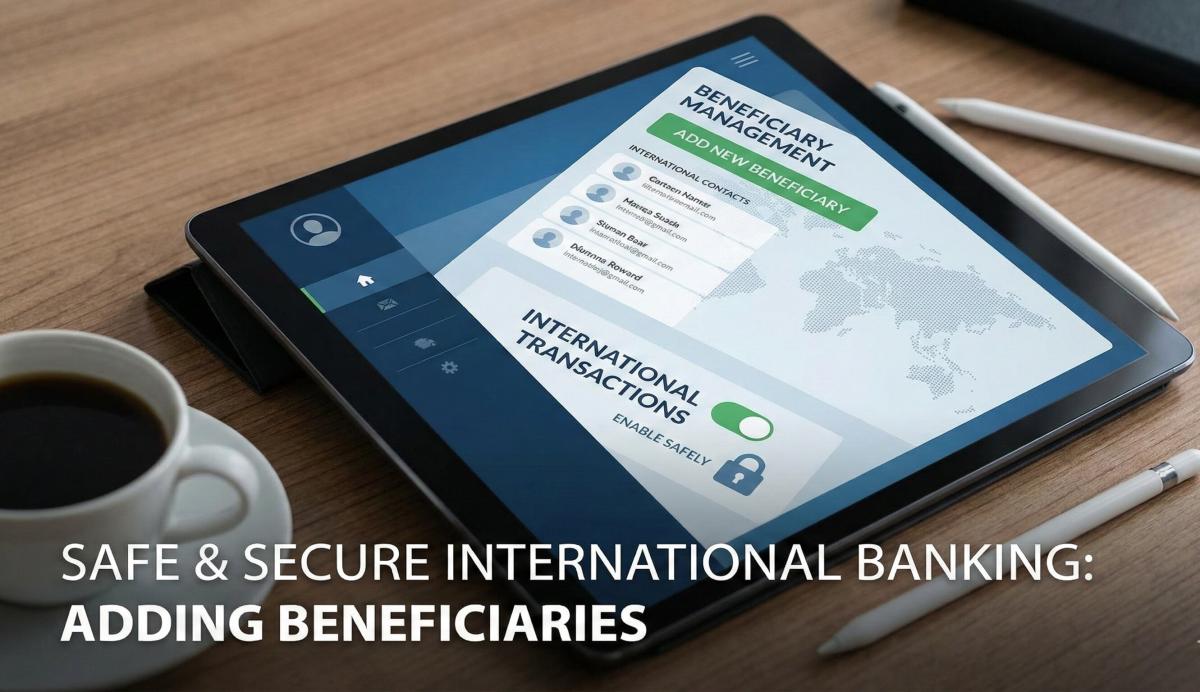
Table of Contents
- Pre-Requisites: Your "Digital Toolkit"
- Part 1: How to Add a Beneficiary (The 2026 Protocol)
- Part 2: Enabling International Transactions
- Why IFSC Codes Matter More Than Ever (The ifsc.co Connection)
- Troubleshooting: Fixing Common 2026 Errors
- Security: 2026 Fraud Prevention Standards
- Frequently Asked Questions (FAQ)
- Conclusion
There is nothing more embarrassing than standing at a checkout counter in Dubai or Singapore, card in hand, only to see the machine flash "DECLINED." Or worse, trying to send urgent rent money to a vendor, only to realize you never actually added them as a beneficiary because the old Canara interface was too clunky. If you are nodding your head, you are not alone.
While Canara Bank has made massive strides with its Canara ai1 updates, the sheer number of security layers added in 2026 can be overwhelming. Here is the deal: The RBI’s "Digital Fortress" mandate, effective April 2026, has fundamentally changed the game. Adding a beneficiary isn't just about typing a name anymore; it involves Risk-Based Authentication (RBA) and strict cooling periods. Today, I’m going to cut through the jargon and show you exactly how to whitelist a payee and flip the switch on international usage without triggering a security lockout.
Pre-Requisites: Your "Digital Toolkit"
Trust me on this—don't even attempt to log in until you have these items ready. The #1 reason for "Session Expired" or "Error 901" in 2026 is users scrambling to find their credentials while the high-speed security clock ticks down.
|
Requirement |
Why You Need It |
|
Transaction Password |
Distinct from your Login Password. You cannot authorize any changes without it. |
|
Registered Mobile (RMN) |
The 2026 protocol requires Dual-Factor OTP for international toggles. |
|
Canara ai1 App or PC |
Desktop is better for initial setups; the app is better for quick toggles. |
|
Active Debit Card |
Required for the "Green PIN" or "ATM Activation" if you need a reset. |
|
Beneficiary’s IFSC |
Crucial: You need the exact 11-digit code (verify it on ifsc.co first). |
Pro Tip: In 2026, Canara Bank enforces a "Device Binding" rule. If you are logging in from a friend’s laptop to add a beneficiary, the system may restrict you to "View Only" mode. Always use your own trusted, registered device to avoid being flagged by the RASP (Runtime Application Self-Protection) system.
Part 1: How to Add a Beneficiary (The 2026 Protocol)
You cannot transfer more than ₹50,000 via IMPS/NEFT without adding a beneficiary first. Under the new April 2026 rules, the bank also checks your Contextual Data (location and behavior) to ensure the request is legitimate.
Step 1: Login and Navigate
- Go to the official Canara Bank Net Banking portal (online.canarabank.in).
- Log in with your User ID and Password.
- Once inside, navigate to the Pay & Transfer tab in the top menu.
- Select Beneficiary Maintenance > Add Beneficiary.
Step 2: Select the Transfer Type
Choose carefully between:
- Within Canara Bank: For transfers to another Canara account (instant validation).
- Inter-Bank (NEFT/RTGS/IMPS): For sending money to external banks like HDFC, SBI, or ICICI.
- International Remittance: This requires a different FX4U portal for outward transfers.
Step 3: Enter Details & The IFSC Factor
- Name: Enter the name exactly as it appears on their bank records.
- Account Number: Type it twice. No copy-pasting allowed—this is a 2026 security feature to stop clipboard-jacking malware.
- IFSC Code: This is where you need to be sharp. Click Search or type it manually. If the branch has been rationalized or merged, the old IFSC will fail.
Step 4: Authentication & The "Cooling Period"
- Enter your Transaction Password.
- Enter the OTP sent to your registered mobile.
- The Wait: In 2026, the cooling period is non-negotiable.
- 0–4 Hours: Zero transfers allowed.
- 4–24 Hours: Total transfer limit is capped at ₹50,000.
- After 24 Hours: Your full transaction limit (up to ₹10 Lakhs or your custom limit) is unlocked.
Part 2: Enabling International Transactions
Are you heading abroad or buying from a global e-commerce site? You must enable "Global Usage" on your card. By default, RBI regulations require this to be OFF for all cards to prevent cross-border fraud.
Method 1: Via Net Banking (Desktop)
- Go to the Cards tab > Debit Card > Manage Card Usage.
- Select your card number from the list.
- Toggle International Usage to "ON."
- Set a Limit: This is vital. Don't leave it at the default max. If your trip budget is $1,000, set the limit to ₹85,000. This limits your liability if the card details are leaked.
Method 2: Via Canara ai1 App (Instant Switch)
- Open the Canara ai1 app and go to the Cards section.
- Tap on your active card and select Manage Limits / Usage.
- Toggle International to Green.
- Adjust the sliders for ATM, POS, and E-commerce separately.
- Tap Save. The change is reflected instantly in the bank's core system.
Why IFSC Codes Matter More Than Ever (The ifsc.co Connection)
Since you are reading this on ifsc.co, I have to highlight a critical risk: The IFSC Mismatch. As of early 2026, Canara Bank has updated its branch rationalization plan.
The Scenario: You add a beneficiary using an old IFSC code found on a 2024 chequebook.
The Problem: The branch may have been merged into a larger regional hub.
The Consequence: The transaction will likely hang in "Pending" for 48 hours before bouncing back, and you might even be charged a "Return Processing Fee."
The Solution: Before adding a payee, search the branch on ifsc.co. We update our database daily to reflect the 2026 mergers. If our site says a code is "Inactive" or "Merged," do not use it—ask your beneficiary for the updated code.
Troubleshooting: Fixing Common 2026 Errors
The 2026 interface is sensitive to your device's environment. Here are the error codes I see most often in our community forums.
1. Error 901: "Transaction Password Invalid"
- The Reality: This isn't always a typo. Canara now requires a mandatory password reset every 180 days.
- The Fix: If your password is old, the system may simply reject it without telling you it's expired. Perform a "Self-Reset" using the Forgot Password link on the login page.
2. Error: "User Locked - Security Protocol Violation"
This usually happens if you try to add a beneficiary while using a VPN or an open, public Wi-Fi.
- The Fix: Turn off your VPN. Wait 30 minutes for the session token to clear. Log in again using your private mobile data.
3. "Global Usage Not Allowed for this Card Type"
- The Reality: Basic RuPay Classic or Domestic-only cards cannot be enabled for international use.
- The Fix: You need a Visa Platinum, Mastercard World, or RuPay Global card. You can request an upgrade via the Service Requests menu in Net Banking.
Security: 2026 Fraud Prevention Standards
Fraudsters in 2026 have moved beyond simple "OTP phishing." They now use APK traps and Screen Sharing scams.
- The RASP Shield: Canara Bank's 2026 update includes Runtime Application Self-Protection. If you have apps like AnyDesk or TeamViewer running, the banking app will detect it as a high risk and block the "Add Beneficiary" function.
- The "Urgent KYC" Scam: You might get a call saying your international transactions are blocked due to pending KYC. Ignore it. Banks never ask for your Transaction Password to "unblock" a card.
Pro Tip: Always check the "Activity Logs" in your Net Banking profile. In 2026, this log shows every device that has accessed your account. If you see a device you don't own, change your passwords immediately and de-register that device.
Frequently Asked Questions (FAQ)
Q1: Why can't I send money immediately after adding a beneficiary?
A: This is the 4-hour "Absolute Cooling Period" mandated for all Indian banks. It gives you time to receive the SMS alert and cancel the addition if it wasn't you who made the change.
Q2: What is the mark-up fee for international transactions in 2026?
A: Canara Bank typically charges a 3% to 3.5% Forex Mark-up Fee on the transaction amount. Always check the "Schedule of Charges" on their website for the most current rates for your specific card type.
Q3: Can I enable international transactions for just one day?
A: Yes! Using the Canara ai1 app, you can toggle it ON before your purchase and toggle it OFF immediately after. This is the safest way to handle global e-commerce.
Q4: My beneficiary's branch changed. Do I have to delete them?
A: Yes. You cannot "edit" the account number or IFSC of an existing beneficiary. You must delete the old entry and add the new one, which will trigger a new 24-hour cooling period.
Q5: Is it safe to use Canara Net Banking on public Wi-Fi?
A: Absolutely not. Even with 2026-level encryption, "Man-in-the-Middle" attacks are possible. Always use a secure mobile hotspot or home network.
Conclusion
Navigating Canara Bank’s Net Banking in 2026 might feel like you are passing through a high-security vault, but these protocols are the only thing standing between your savings and the sophisticated fraud networks of the digital age. By respecting the cooling periods, keeping your "Global" switch off when not in use, and double-checking your IFSC codes here on ifsc.co, you ensure your money lands exactly where it belongs.
Related Blogs
Published on Mar 09, 2026
NEFT vs RTGS vs IMPS vs UPI: Which Transfer Method Should You Use?
NEFT, RTGS, IMPS, or UPI — which transfer method should you use? Compare limits, timing, charges and best use cases. Full guide with 2025 RBI & NPCI figures.
Priya Nair
Senior Compliance Editor at IFSC.co

Published on Aug 09, 2025
What to Do if You Transfer Money to the Wrong IFSC Code: A Recovery Guide
Money sent to wrong IFSC? Don't panic! Learn what steps to take immediately to recover your funds and prevent future mistakes.
Priya Nair
Senior Compliance Editor at IFSC.co
Published on Jul 27, 2025
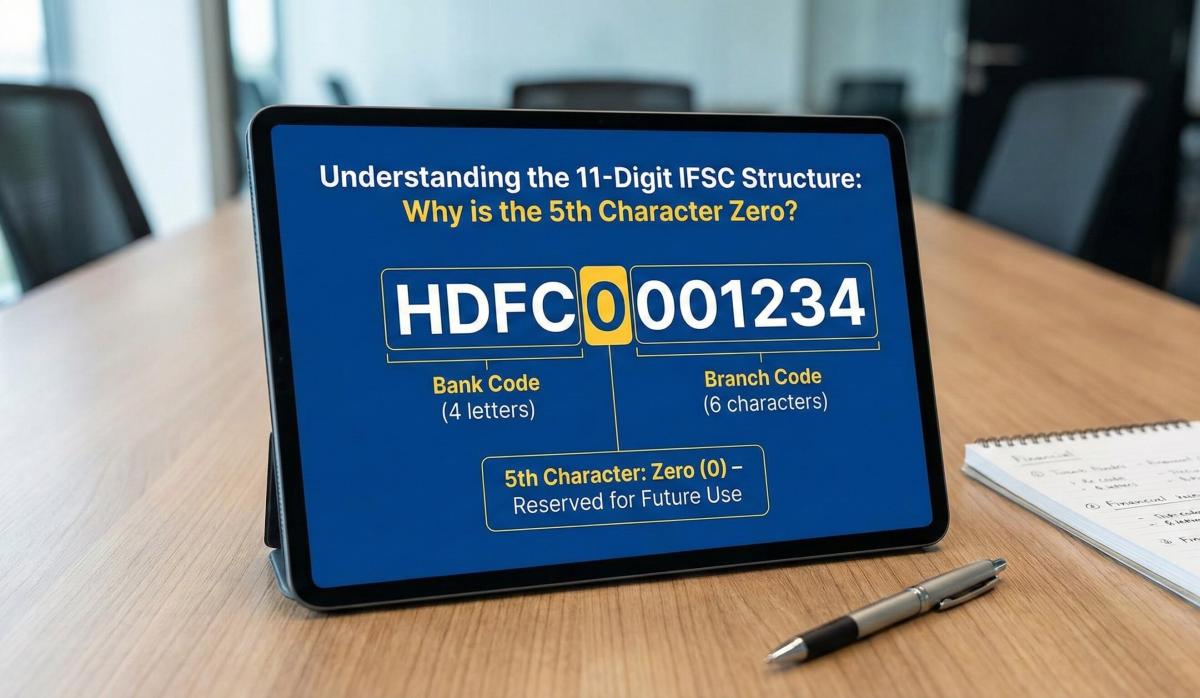
Understanding the 11-Digit IFSC Structure: Why the Fifth Character is Always Zero
Decode the IFSC structure! Understand why the 5th character is always zero and what each digit means for fund transfers.
Arjun Sharma
Content Lead – Banking & Payments
Published on Jul 14, 2025
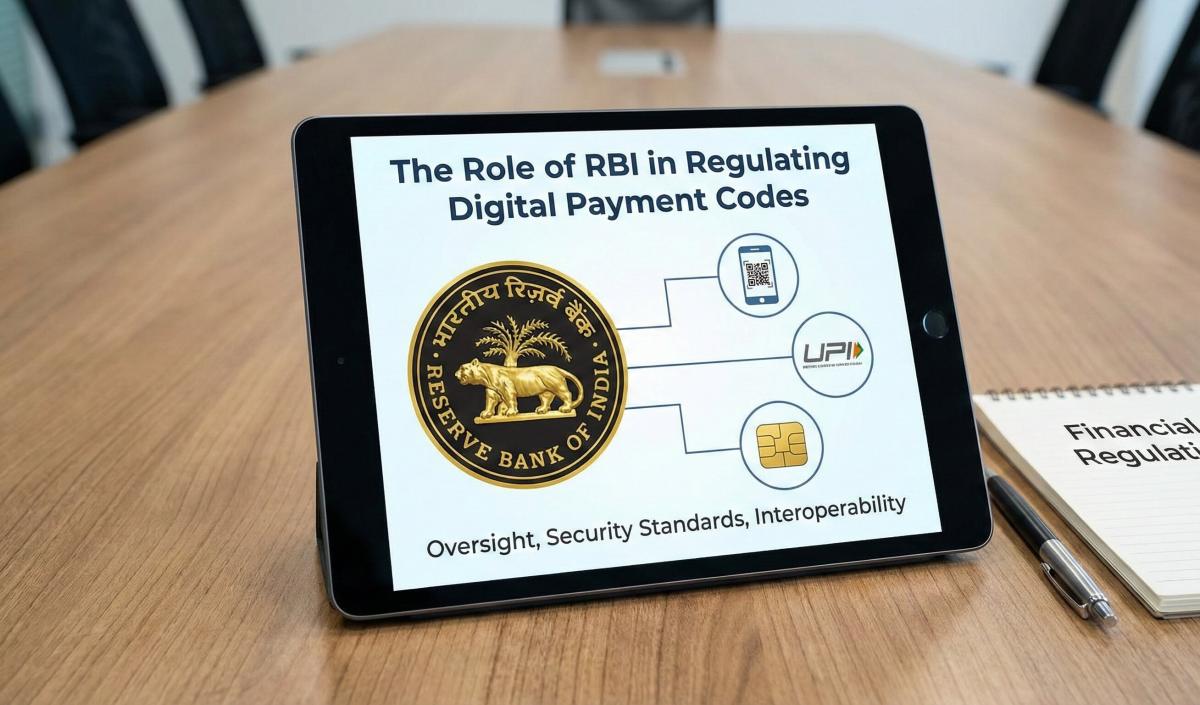
The Role of the Reserve Bank of India (RBI) in Regulating Digital Payment Codes
Learn how the RBI regulates digital payment codes like IFSC, UPI, and SWIFT. Understand compliance and security in Indian banking.
Arjun Sharma
Content Lead – Banking & Payments
Published on Jul 12, 2025
SBI Net Banking Registration 2026: The "No-Nonsense" Guide for New Users
New to banking? This practical guide covers essentials like accounts, cards, digital banking, and safety tips for Indian users.
Priya Nair
Senior Compliance Editor at IFSC.co
calculate Financial Calculators
EMI Calculator
FD Calculator
GST Calculator
Lumpsum Calculator
Mutual Fund Returns Calculator
PPF Calculator
RD Calculator
SIP Calculator
SWP Calculator
article Latest Blog Posts
A Comprehensive Guide to Home Loan Interest Rates: Fixed vs. Floating in 2026
A detailed 2026 guide to home loan interest rates comparing fixed, floating, and hybrid options. Learn the real cost difference, EMI impact, risks, RBI policies, and which option saves you more over 20 years.
EMI & Loans • 8 MINS READ
Mutual Fund Returns Calculator: How It Works, Accuracy & FAQs Explained
A Mutual Fund Returns Calculator helps you estimate the future value of your mutual fund investment using inputs like investment amount, tenure, contributions, and expected returns. It uses compounding to project potential growth and helps you plan smarter investment decisions.
SIP & Investing • 6 MINS READ
NEFT vs RTGS vs IMPS vs UPI: Which Transfer Method Should You Use?
NEFT, RTGS, IMPS, or UPI — which transfer method should you use? Compare limits, timing, charges and best use cases. Full guide with 2025 RBI & NPCI figures.
Banking & Transfers • 16 MINS READ
New Tax Regime vs Old Tax Regime: A Real-Numbers Comparison for Salaried Indians (FY 2025-26)
New vs old tax regime FY 2025-26 — compare real tax on ₹6L, ₹10L & ₹15L salaries. See who pays zero tax and find your break-even point.
Tax & Financial Planning • 15 MINS READ
Planning an FD? Don’t Miss These Top Questions About FD Calculators
Curious how FD calculators work? This guide answers the top questions to help you calculate returns, compare plans, and invest smarter in fixed deposits.
FD, PPF & Savings • 5 MINS READ