SBI Net Banking Registration 2026: The "No-Nonsense" Guide for New Users
New to banking? This practical guide covers essentials like accounts, cards, digital banking, and safety tips for Indian users.
Table of Contents
- The 2026 Update: What’s New with RBI Rules?
- The "Grab It Now" Checklist
- Which Method Should You Use?
- Method 1: The Desktop Route (Best for Reliability)
- Method 2: The YONO App Route (Best for Speed)
- Pro Tip: The "IFSC Code" Connection
- "Help, It's Not Working!" (Troubleshooting)
- Staying Safe: Don't Get Scammed
- Frequently Asked Questions (FAQ)
Let’s be honest: nobody likes standing in a bank queue in 2026.
With digital banking evolving so fast, walking into a branch just to check your balance or transfer money feels ancient. Whether you need to file your Income Tax returns, apply for an IPO, or just send cash to a friend via UPI, having an active SBI Net Banking account is no longer optional—it’s essential.
The good news? If you have your ATM card handy, you can set this up from your couch in about 10 minutes.
This guide will walk you through the updated 2026 registration process on the OnlineSBI portal and the YONO app. We’ll also cover the new RBI security rules so you don’t get locked out before you even begin.
The 2026 Update: What’s New with RBI Rules?
Before we dive into the "how-to," you need to know about a major shift in security.
Effective April 1, 2026, the Reserve Bank of India (RBI) has pushed banks toward Risk-Based Authentication (RBA). In plain English, this means the bank is watching how you log in, not just what password you use.
- The "New Device" Trigger: If you register from a laptop or phone you’ve never used before, SBI might ask for an extra verification step (like a second OTP or an email confirmation) just to be safe.
- SIM Binding is Strict: If you plan to use the YONO App, you can’t just be on Wi-Fi anymore. Your mobile data must be on so the app can verify that your physical SIM card matches the number registered with the bank.
The "Grab It Now" Checklist
Trust me on this: there is nothing more annoying than getting a "Session Timeout" error because you spent 5 minutes looking for your passbook.
Get these 5 things in front of you before you click anything:
- Your Savings Account Number: It’s in your passbook (usually the first page).
- Your CIF Number: This is your 11-digit "Customer Information File" number. Think of it as your digital ID card with SBI. It’s right next to your account number on the passbook.
- Branch Code: This is a 5-digit code. (Don't know it? I’ll show you a trick to find it below).
- Your Phone: It needs to be the one linked to your account, and it needs to have a signal to receive SMS.
- Your ATM Card: You’ll need the card number, expiry date, and—most importantly—your ATM PIN.
Quick Note: Did the bank give you a "Pre-Printed Kit" (PPK) when you opened your account? If yes, stop reading! You don't need to register. Just use the username and password inside that kit to log in.
Which Method Should You Use?
Not all accounts are created equal. Check this table to see which path is right for you.
|
If you are... |
And you have... |
Then do this... |
|
An Individual User |
An active ATM Card + Phone |
Use Method 1 (Online) |
|
A Mobile-First User |
A Smartphone with the SIM inside |
Use Method 2 (YONO App) |
|
Without an ATM Card |
Just your Passbook |
Visit the Branch (You can't do it online) |
|
A Joint Account Holder |
'Either or Survivor' mode |
Use Method 1 (Online) |
Method 1: The Desktop Route (Best for Reliability)
I recommend this method because the desktop site (OnlineSBI) is more stable for setting up your passwords and transaction limits for the first time.
Step 1: Get to the Right Place
Head over to the official portal: https://www.onlinesbi.sbi.
- Security Check: Always look for the lock icon in your browser address bar.
- Click on the button that says “New User Registration/Activation”.
- You’ll see a pop-up asking if you have a kit. Just click "OK" (since we already established you don't have one).
Step 2: The Data Entry (Be Careful Here!)
You'll see a form asking for your details. Here are the common stumbling blocks:
- Account & CIF: Type these carefully. One wrong digit and you'll get an "Invalid Details" error.
- Branch Code: Enter the 5-digit code.
- Facility Required: This is the most important step. Make sure you select “Full Transaction Rights”.
- Why? If you choose "View Only," you can see your money, but you can't touch it. You won't be able to transfer funds or pay bills.
- Captcha: Solve the little puzzle and hit Submit.
Step 3: Prove It's You
- OTP Time: You’ll get a code on your phone. Type it in.
- The Card Check: The system will ask if you have your ATM card. Select "I have my ATM Card" and hit Submit.
- The Gateway: You’ll be taken to a page that looks like a payment screen. Don't panic—you aren't paying anything. It’s just a verification tool. Enter your card details (Number, Name, Expiry, PIN) and click Proceed.
Step 4: Set Your Keys
Now for the final step: creating your login.
- Username: Pick something unique. Heads up: You can NEVER change this username later, so pick something professional.
- Login Password: Make it strong. In 2026, Sbi@123 isn't going to cut it. Use a mix of symbols, numbers, and letters (e.g., Tr#v3L$2026).
Success! If you see the "Successfully Registered" message, you're done. Go ahead and log in.
Method 2: The YONO App Route (Best for Speed)
If you practically live on your phone, the YONO (You Only Need One) app is the way to go.
- Download: Get the official YONO SBI app (Android or iOS).
- SIM Check: Open the app. It will ask to verify your SIM. Make sure you select the SIM card that is linked to your bank. (Note: This step fails if you don't have an active SMS plan).
- Start: Tap “New to SBI” -> “Register Now”.
- Verify: Enter your Account ID and Date of Birth.
- Card Auth: Just like on the desktop, enter your ATM card details to prove ownership.
- The MPIN Shortcut: The app will ask you to set a 6-digit MPIN. Do this! It lets you log in quickly with just a PIN or FaceID later, instead of typing that long password every time.
Pro Tip: The "IFSC Code" Connection
Since you are on ifsc.co, you likely know that banking codes matter. But did you know your Branch Code is hidden inside your IFSC Code?
If you are stuck on the registration page because you don't know your 5-digit Branch Code, look at your IFSC.
- Example: If your IFSC is SBIN0001234...
- The Cheat Code: Your Branch Code is just the last 5 digits: 01234.
Warning: If your bank was part of a recent merger (like the old Associate Banks), your IFSC might have changed. Use our IFSC Search Tool on the homepage to find your current valid code before you try to register.
"Help, It's Not Working!" (Troubleshooting)
Stuck? You aren't alone. Here are the 4 most common errors users face in 2026 and how to fix them.
1. "Invalid Account or CIF Number"
- The Fix: You might be typing it right, but the bank's database might be outdated (especially if you moved recently). Grab your passbook and check the numbers again. If it still fails, you might need to visit the branch to refresh your KYC.
2. "User Not Registered" (Error 911)
- The Fix: This sounds scary, but it usually just means you are trying to log in before the system has finished creating your ID. Wait 10 minutes and try again.
3. "I never got the OTP!"
- The Fix: Do you have a "Spam Blocker" or "Truecaller" app installed? Sometimes these aggressive filters block bank SMS messages. Check your spam folder or hit "Resend OTP" after 60 seconds.
4. "Session Timed Out"
- The Fix: This happens if you take too long to find your documents. Refresh the page, and have your ATM card ready on the desk before you start.
Staying Safe: Don't Get Scammed
I cannot stress this enough: Scammers are getting smarter. Here is how to stay safe:
- The "Support Call" Trap: If someone calls claiming to be from SBI and asks you to download AnyDesk or TeamViewer to "help you register," hang up immediately. They are trying to view your screen to steal your password.
- No APKs: SBI will never send you a file on WhatsApp to update your KYC. Only update apps via the Play Store or App Store.
- The Two-Lock System: Always set a Profile Password that is different from your Login Password. It acts as a second lock on your account settings.
Frequently Asked Questions (FAQ)
Q: Can I register without an ATM card?
A: Yes, but not instantly online. You can fill out the form online, select "I don't have a card," print the PDF, and drop it off at your branch. They will activate it manually.
Q: Is it free?
A: 100%. SBI does not charge a penny for net banking registration.
Q: I locked my account! Now what?
A: Don't worry. If you typed the wrong password 3 times, it locks for 24 hours. If you need in now, click the "Forgot Login Password" link and reset it using your ATM card details.
Q: Can I change my Username?
A: No. Your username is permanent. Choose a professional one you won't regret later!
Q: How do I upgrade from "View Only" to "Full Rights"?
A: Log in, go to the "Request & Enquiries" tab, and look for "Upgrade Access Level." You might need an OTP to confirm the switch.
About the Author
Editorial Team at ifsc.co
We are a team of financial researchers dedicated to simplifying banking for Indian users. We verify every step against the latest 2026 SBI manuals and RBI circulars to ensure you get accurate, fluff-free advice.
Disclaimer: We are an informational resource. For official account issues, please contact State Bank of India directly.
Related Blogs
Published on Mar 09, 2026
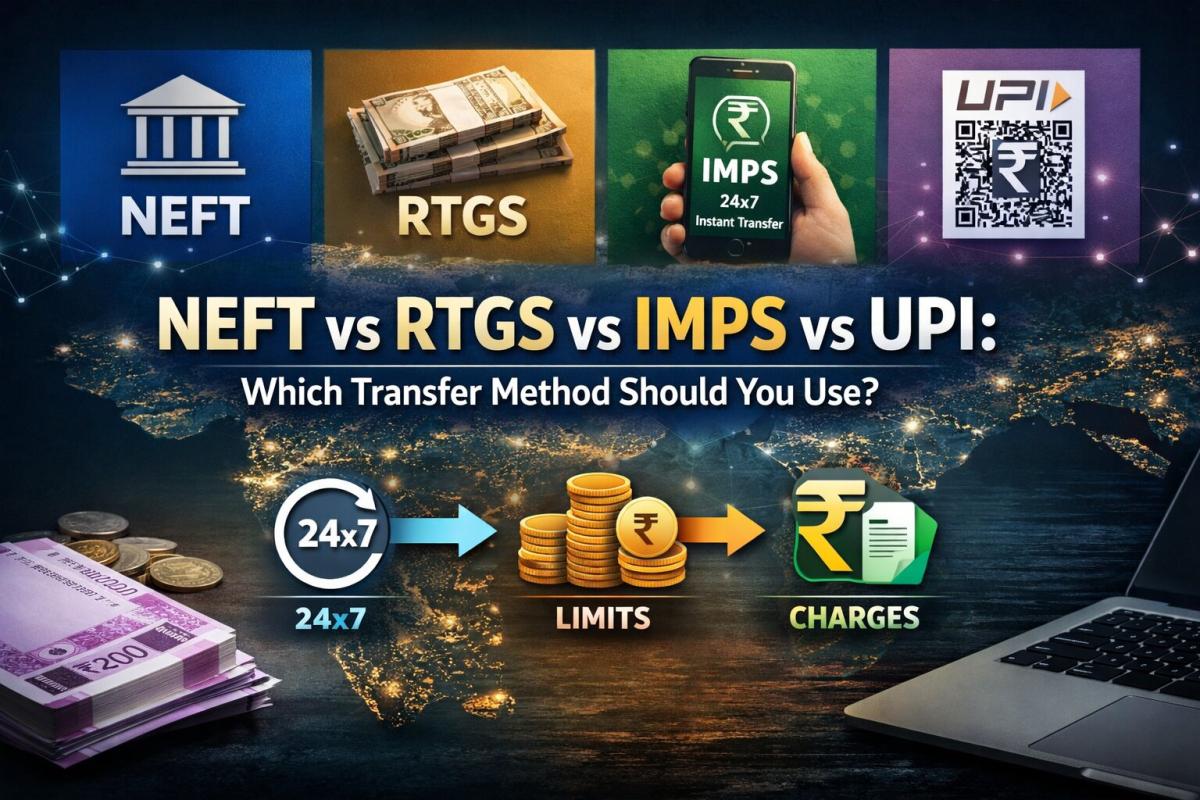
NEFT vs RTGS vs IMPS vs UPI: Which Transfer Method Should You Use?
NEFT, RTGS, IMPS, or UPI — which transfer method should you use? Compare limits, timing, charges and best use cases. Full guide with 2025 RBI & NPCI figures.
Priya Nair
Senior Compliance Editor at IFSC.co

Published on Aug 09, 2025
What to Do if You Transfer Money to the Wrong IFSC Code: A Recovery Guide
Money sent to wrong IFSC? Don't panic! Learn what steps to take immediately to recover your funds and prevent future mistakes.
Priya Nair
Senior Compliance Editor at IFSC.co
Published on Jul 27, 2025
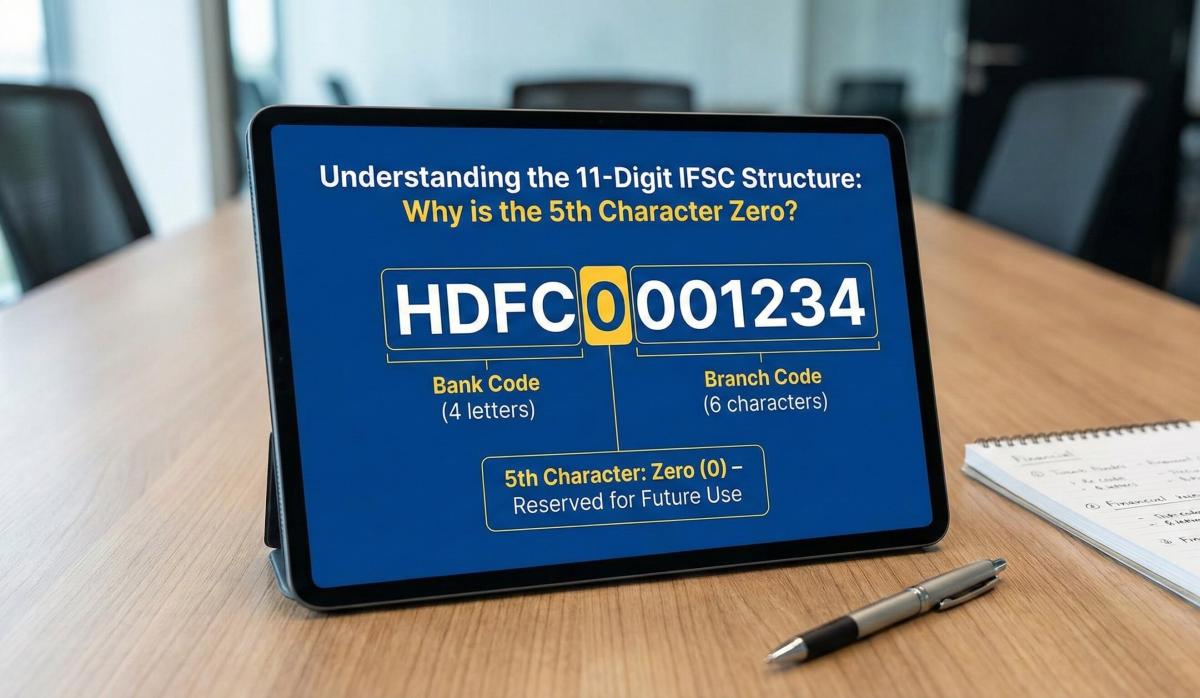
Understanding the 11-Digit IFSC Structure: Why the Fifth Character is Always Zero
Decode the IFSC structure! Understand why the 5th character is always zero and what each digit means for fund transfers.
Arjun Sharma
Content Lead – Banking & Payments
Published on Jul 14, 2025
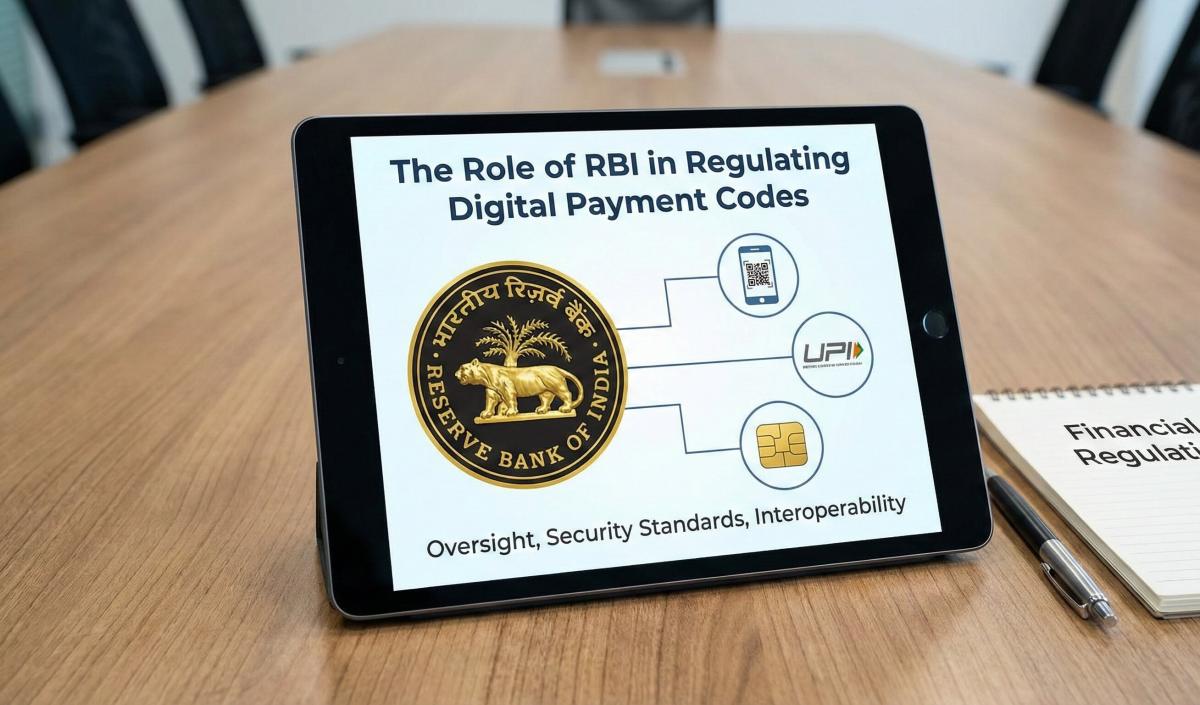
The Role of the Reserve Bank of India (RBI) in Regulating Digital Payment Codes
Learn how the RBI regulates digital payment codes like IFSC, UPI, and SWIFT. Understand compliance and security in Indian banking.
Arjun Sharma
Content Lead – Banking & Payments
Published on Jul 08, 2025
The Impact of 2025-2026 Bank Mergers on Your Old IFSC and Branch Details
Understand how bank mergers in 2025-2026 affect IFSC codes and branch details. Update your banking information to avoid transaction failures.
Priya Nair
Senior Compliance Editor at IFSC.co
calculate Financial Calculators
EMI Calculator
FD Calculator
GST Calculator
Lumpsum Calculator
Mutual Fund Returns Calculator
PPF Calculator
RD Calculator
SIP Calculator
SWP Calculator
article Latest Blog Posts
A Comprehensive Guide to Home Loan Interest Rates: Fixed vs. Floating in 2026
A detailed 2026 guide to home loan interest rates comparing fixed, floating, and hybrid options. Learn the real cost difference, EMI impact, risks, RBI policies, and which option saves you more over 20 years.
EMI & Loans • 8 MINS READ
Mutual Fund Returns Calculator: How It Works, Accuracy & FAQs Explained
A Mutual Fund Returns Calculator helps you estimate the future value of your mutual fund investment using inputs like investment amount, tenure, contributions, and expected returns. It uses compounding to project potential growth and helps you plan smarter investment decisions.
SIP & Investing • 6 MINS READ
NEFT vs RTGS vs IMPS vs UPI: Which Transfer Method Should You Use?
NEFT, RTGS, IMPS, or UPI — which transfer method should you use? Compare limits, timing, charges and best use cases. Full guide with 2025 RBI & NPCI figures.
Banking & Transfers • 16 MINS READ
New Tax Regime vs Old Tax Regime: A Real-Numbers Comparison for Salaried Indians (FY 2025-26)
New vs old tax regime FY 2025-26 — compare real tax on ₹6L, ₹10L & ₹15L salaries. See who pays zero tax and find your break-even point.
Tax & Financial Planning • 15 MINS READ
Planning an FD? Don’t Miss These Top Questions About FD Calculators
Curious how FD calculators work? This guide answers the top questions to help you calculate returns, compare plans, and invest smarter in fixed deposits.
FD, PPF & Savings • 5 MINS READ