How to Detect and Avoid Digital Banking Scams: A 2026 Security Handbook
Protect your finances! Learn how to detect and avoid digital banking scams in 2026. Recognize phishing, fraud, and secure your accounts today.
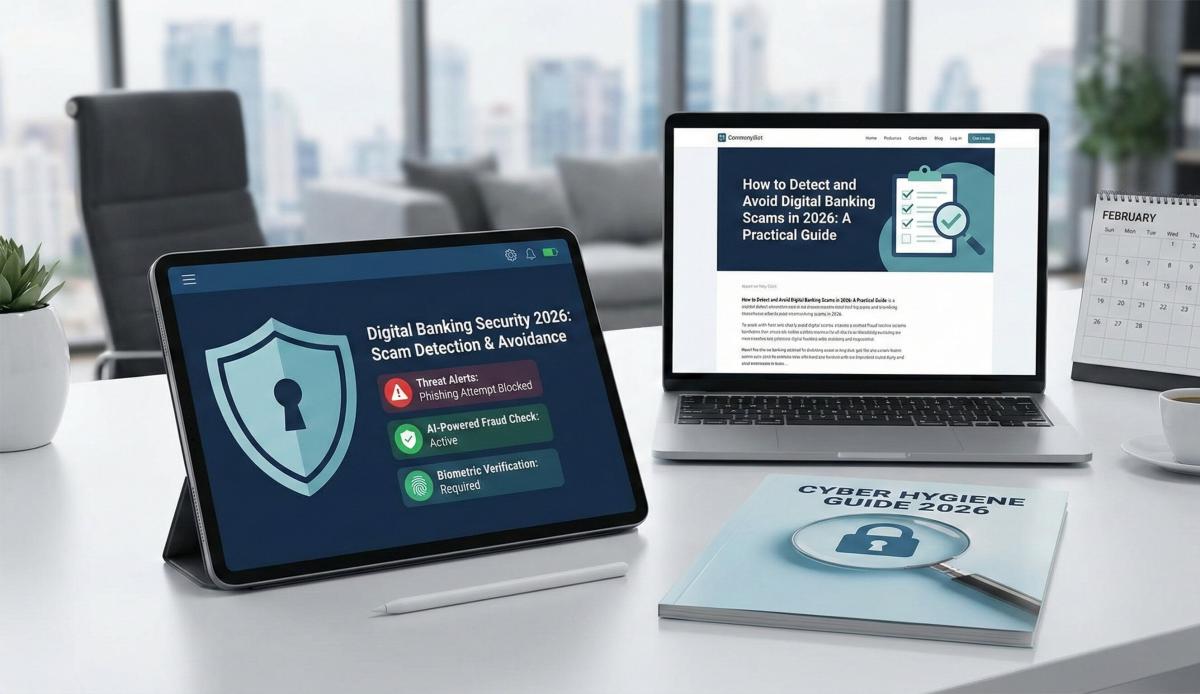
Table of Contents
In 2026, the era of the "Prince from Nigeria" email is long gone. Today, the threat isn't a typo-filled email; it is a video call from a person who looks exactly like your bank manager, sounds exactly like your son, or a "Customer Support" agent who already knows your last three transactions.
With the Reserve Bank of India (RBI) enforcing the new Master Direction on Authentication Mechanisms (Effective April 1, 2026), the security landscape has shifted from "Rules-Based" to "Risk-Based." But as our shields get smarter, so do the scammers. The introduction of MuleHunter.AI and the Financial Fraud Risk Indicator (FRI) has made it harder for criminals to move money, forcing them to use psychological manipulation over technical hacking.
If you are still relying on "Do not share your OTP" as your only defense, you are vulnerable. Here is your expert guide to surviving the 2026 digital minefield.
Before vs. After: The Evolution of Fraud
The game has changed. We have moved from simple phishing to "Synthetic Identity Fraud" and "AI Vishing."
|
Feature |
Old Scams (Pre-2025) |
New Threats (2026 & Beyond) |
|
The Hook |
"KYC Expired" SMS with a shady link. |
Deepfake Video Calls: AI-generated video of police/bank officials ("Digital Arrest"). |
|
The Tool |
AnyDesk / TeamViewer (Screen Sharing). |
Malicious APKs: "Refund" apps that bypass SMS forwarding restrictions. |
|
Authentication |
You shared the OTP manually. |
Biometric Bypass: AI voice cloning to trick "Voice ID" banking. |
|
Money Trail |
Transferred to random wallets. |
Mule Rings: Money routed through "rented" accounts with valid IFSCs to look legitimate. |
Deep Dive: The "Mule" and the "Deepfake"
Why did the RBI launch MuleHunter.AI?
To understand 2026 scams, you must understand the "Mule Account." Scammers rarely use their own accounts. They "rent" accounts from students or gig workers.
- The Mechanism: You receive a request to "test" a payment gateway or "donate" to a charity. The money goes into a Mule Account held at a legitimate branch (e.g., a specific SBI or HDFC branch).
- The 2026 Countermeasure: The RBI's MuleHunter.AI now tracks "heatmaps" of fund flows. If an account suddenly receives high-velocity transfers from multiple states, the Risk-Based Authentication (RBA) triggers a freeze.
The "Digital Arrest" Phenomenon
This is the single most dangerous trend of 2026. You receive a video call (Skype/WhatsApp) from someone in a police uniform. The background looks like a real police station. They claim your Aadhaar was used for money laundering.
- The Tech: This is a Deepfake Overlay. The background and the uniform are AI filters applied in real-time. The "officer" is likely sitting in a basement in a different country.
IFSC Relevance: The "Spoofed Branch" Trap
You might wonder, what does an IFSC code have to do with scams? In 2026, everything.
Scammers have realized that educated users check IFSC codes to verify banks. So, they have weaponized this trust.
- The "Customer Care" SEO Scam: Scammers create fake websites listing "Helpline Numbers" for specific bank branches. They list the correct IFSC (e.g., BARB0MUMBAI) to look legitimate but provide a fake mobile number as the branch landline.
- Why it works: When you Google "Bank of Baroda Nariman Point contact," you see the correct IFSC and address (scraped from sites like ours), so you trust the phone number next to it.
- The Trap: When you call, they don't ask for money. They ask you to "verify" your location by sending a small token amount to that specific IFSC to "unlock" your query.
Regulatory Alert: As per the RBI Circular on Unauthorised Electronic Banking Transactions (2025), if you voluntarily initiate a transfer to a fraudulent beneficiary (even if tricked), the liability shifts to you. The "Zero Liability" protection only applies to technical hacks, not social engineering.
Impact on Your Daily Life
The new 2026 security protocols are designed to protect you, but they can be intrusive:
- Frozen Transactions: If you try to make a large transfer while connected to a VPN or from a new device, the Financial Fraud Risk Indicator (FRI) may flag it as "High Risk" and block it immediately. You may need to perform a video-verification to unblock it.
- "160" vs "140" Calls: The Department of Telecommunications (DoT) has segregated calling lines.
- 160-series: Genuine service calls (Bank alerts, delivery).
- 140-series: Promotional/Marketing calls.
- 10-digit mobile numbers: If a "Bank Manager" calls you from a standard 10-digit mobile number in 2026, it is a scam.
Actionable Checklist: The 2026 Security Shield
- Enable "Beneficiary Cooling Period": Go to your net banking settings. Ensure that any new beneficiary added has a 24-hour transfer limit (e.g., ₹5,000). This defeats the "hurry up and pay" urgency of scams.
- Audit Your "Linked Devices": Check your WhatsApp and Banking App settings for "Linked Devices." If you see a "Chrome (Linux)" or "Unknown Device" login, log it out immediately.
- The "Call Back" Rule: If you get a call from "RBI" or "Customs" claiming you are under arrest, hang up. Search for the official department number on a government website and call them back. 100% of "Digital Arrest" calls are fake.
- Verify Branch Details via IFSC: Never trust a phone number found on a random Google or Facebook post. Always cross-check the branch contact details using the IFSC code lookup on the official bank website or a trusted directory like ifsc.co.
- Activate "International Usage" Lock: Keep international transactions on your Debit/Credit cards OFF by default. Only switch them on when you are traveling or making a purchase.
Frequently Asked Questions (FAQ)
1. I accidentally clicked a link in a "KYC Update" SMS. What should I do?
Immediately disconnect from the internet (Flight Mode). Do not enter any data. Call the 1930 National Cyber Crime Helpline from a different phone to report it.
2. Can a scammer drain my account just by knowing my IFSC and Account Number?
No. They can deposit money into your account (and then claim it was a mistake to get you to refund it), but they cannot withdraw money without your OTP, PIN, or biometric approval.
3. Why is my bank asking for a "Video Verification" for a large transfer?
This is the new Risk-Based Authentication (RBA) in action. If the AI detects unusual behavior (e.g., transfer at 2 AM to a new payee), it mandates a "Liveness Check" to ensure you are not being forced/coerced into the payment.
4. How do I identify a fake banking app?
Check the developer name on the App Store/Play Store. It should match the bank's official name perfectly (e.g., "HDFC Bank Ltd" not "HDFC Quick Support"). Also, look for the "App Verified" badge.
5. Is it safe to share my IFSC code for receiving payments?
Yes. Your IFSC and Account number are public routing information (like your home address). You can safely share them to receive funds. Just never share the MPIN, OTP, or Password used to access that account.
Related Blogs
Published on Aug 02, 2025
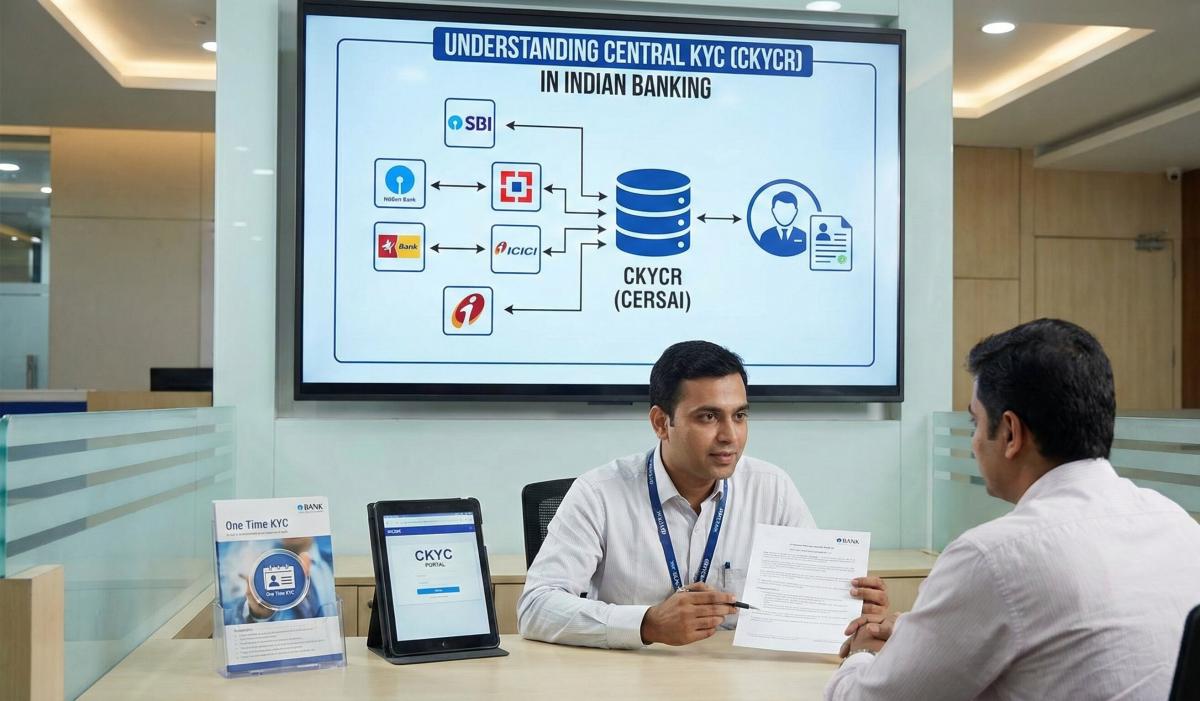
Understanding Central KYC (CKYCR): How It Simplifies Your Banking Experience
Learn about Central KYC Registry (CKYCR) in India. Understand its role, benefits, and how it streamlines banking KYC process.
Priya Nair
Senior Compliance Editor at IFSC.co
Published on Jul 18, 2025
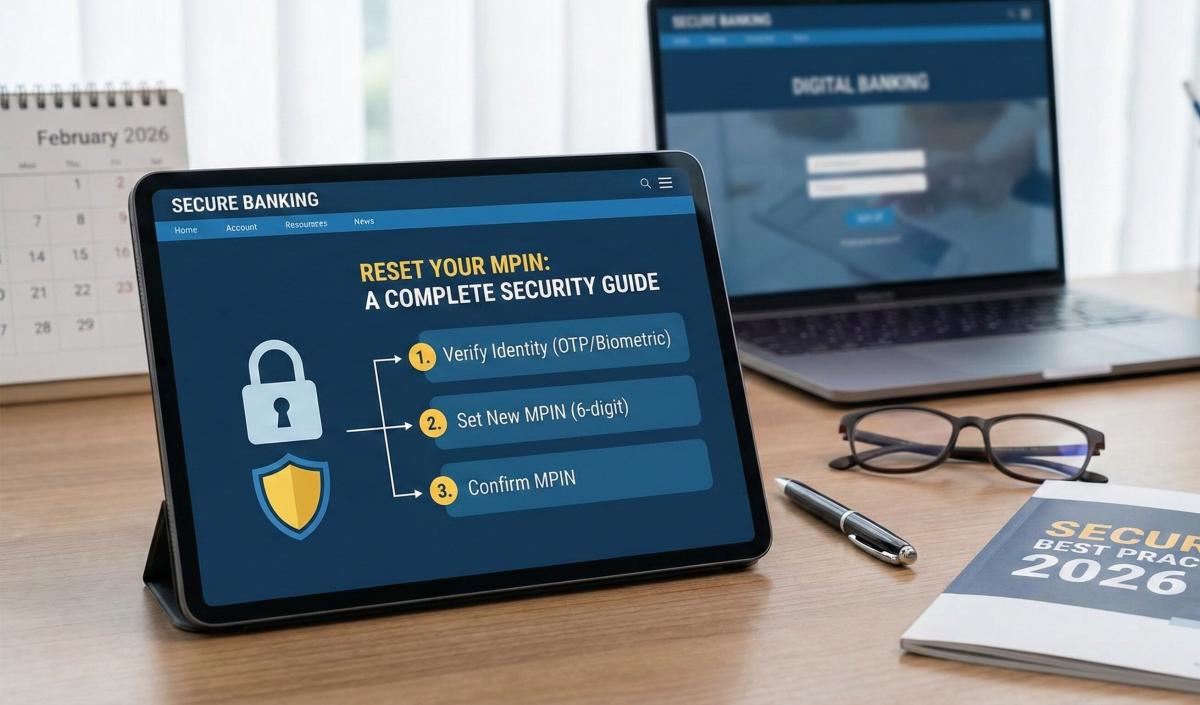
Axis Bank Mobile Banking: Steps to Reset Your MPIN and Secure Your Transactions (2026 Guide)
Forgot your MPIN? Learn how to reset it safely. Step-by-step guide for all banks to recover your mobile banking access securely.
Priya Nair
Senior Compliance Editor at IFSC.co
Published on Jul 05, 2025
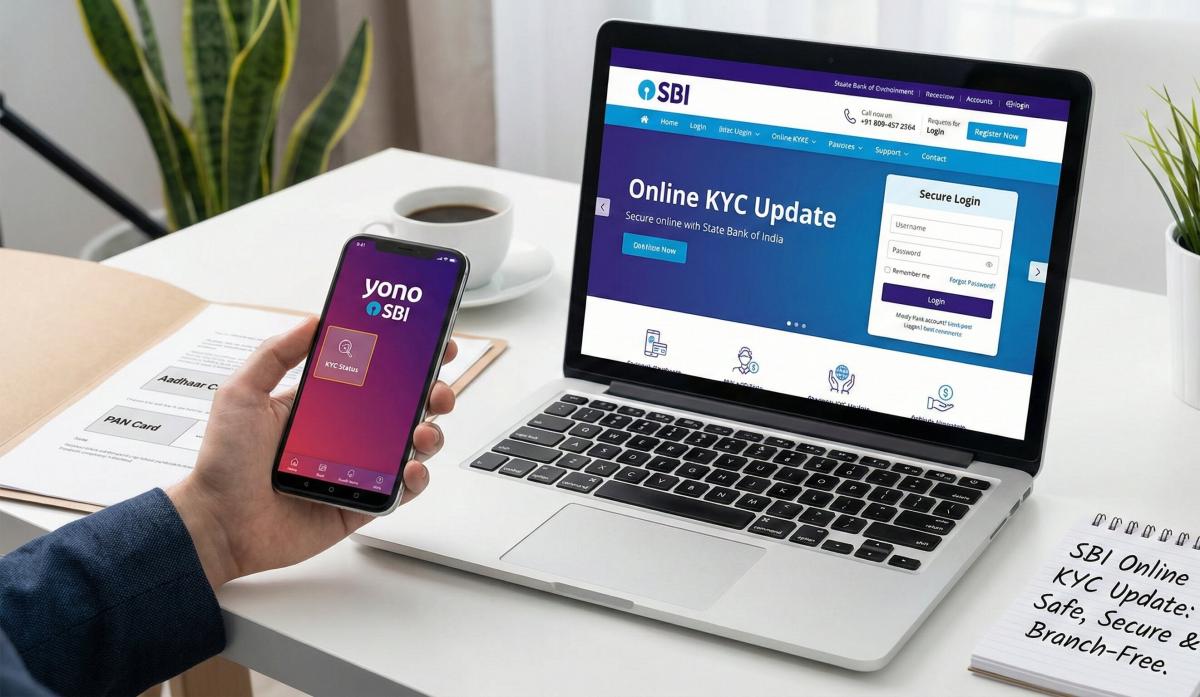
How to Update Your KYC in SBI Online Without Visiting the Branch (2026 Guide)
Update your SBI KYC online easily. Follow our step-by-step guide to complete KYC verification without visiting the branch in 2026.
Arjun Sharma
Content Lead – Banking & Payments
Published on Jul 02, 2025
ICICI Bank iMobile Pay: How to Securely Manage Your Account and Find Branch IFSCs (2026 Guide)
Learn best practices for secure account management and how to find your branch IFSC code. Protect your banking information effectively.
Arjun Sharma
Content Lead – Banking & Payments
calculate Financial Calculators
EMI Calculator
FD Calculator
GST Calculator
Lumpsum Calculator
Mutual Fund Returns Calculator
PPF Calculator
RD Calculator
SIP Calculator
SWP Calculator
article Latest Blog Posts
A Comprehensive Guide to Home Loan Interest Rates: Fixed vs. Floating in 2026
A detailed 2026 guide to home loan interest rates comparing fixed, floating, and hybrid options. Learn the real cost difference, EMI impact, risks, RBI policies, and which option saves you more over 20 years.
EMI & Loans • 8 MINS READ
Mutual Fund Returns Calculator: How It Works, Accuracy & FAQs Explained
A Mutual Fund Returns Calculator helps you estimate the future value of your mutual fund investment using inputs like investment amount, tenure, contributions, and expected returns. It uses compounding to project potential growth and helps you plan smarter investment decisions.
SIP & Investing • 6 MINS READ
NEFT vs RTGS vs IMPS vs UPI: Which Transfer Method Should You Use?
NEFT, RTGS, IMPS, or UPI — which transfer method should you use? Compare limits, timing, charges and best use cases. Full guide with 2025 RBI & NPCI figures.
Banking & Transfers • 16 MINS READ
New Tax Regime vs Old Tax Regime: A Real-Numbers Comparison for Salaried Indians (FY 2025-26)
New vs old tax regime FY 2025-26 — compare real tax on ₹6L, ₹10L & ₹15L salaries. See who pays zero tax and find your break-even point.
Tax & Financial Planning • 15 MINS READ
Planning an FD? Don’t Miss These Top Questions About FD Calculators
Curious how FD calculators work? This guide answers the top questions to help you calculate returns, compare plans, and invest smarter in fixed deposits.
FD, PPF & Savings • 5 MINS READ