Axis Bank Mobile Banking: Steps to Reset Your MPIN and Secure Your Transactions (2026 Guide)
Forgot your MPIN? Learn how to reset it safely. Step-by-step guide for all banks to recover your mobile banking access securely.
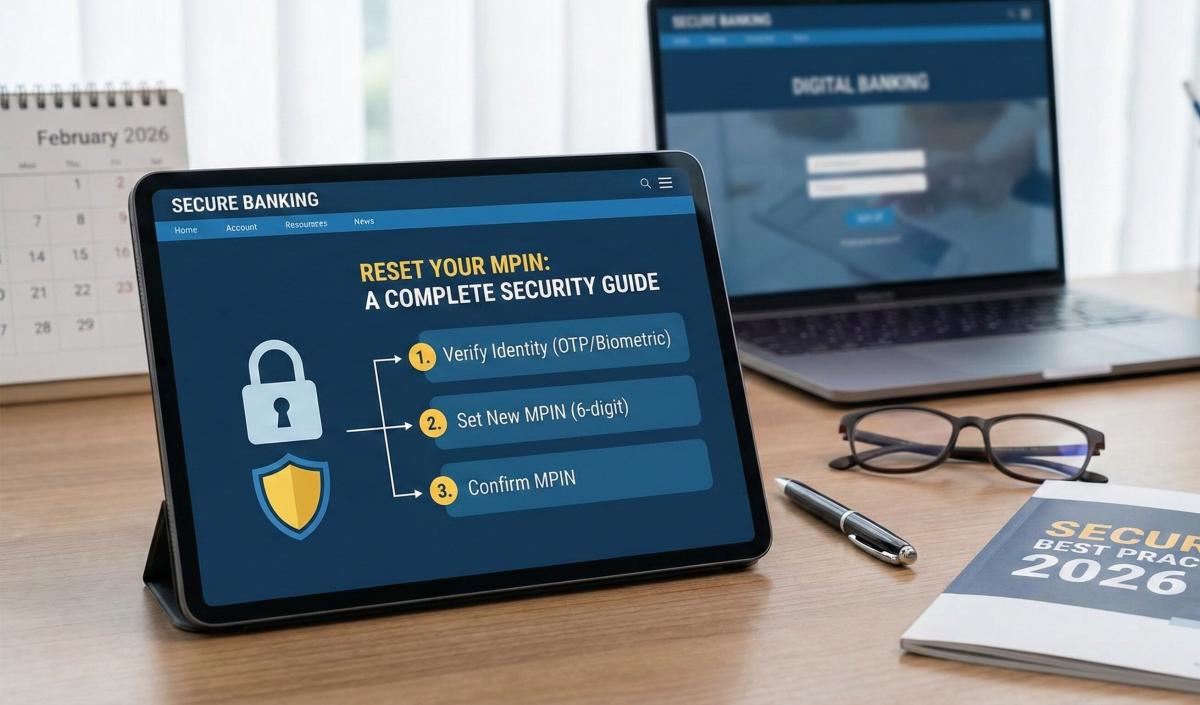
Table of Contents
- The 2026 Security Shift: What’s Different?
- Axis Mobile vs. Net Banking: Which Reset Method is Faster?
- Step-by-Step: How to Reset Your Axis Bank MPIN
- The IFSC Connection: Finding Your Branch Details
- Troubleshooting: Decoding Error Codes
- 2026 Fraud Prevention: Stay Safe
- Frequently Asked Questions (FAQ)
- About the Author
Let’s be honest: there is nothing more panic-inducing than standing at a checkout counter, ready to pay via UPI, and suddenly realizing—you’ve blanked on your MPIN. It happens to the best of us.
In 2026, the Axis Mobile app (often called "open by Axis Bank") isn't just a digital passbook anymore; it’s a "Super App" managing everything from your mutual funds to your forex cards. But with great power comes tighter security. If you’ve noticed the app acting a bit stricter lately—asking for location access or face scans—you aren't imagining things.
Effective April 1, 2026, the Reserve Bank of India (RBI) has rolled out new Risk-Based Authentication (RBA) rules. This means resetting your MPIN isn't just about punching in numbers anymore; it’s about proving you are you, using your device, your location, and sometimes even your biometrics.
In this deep-dive guide, I’ll walk you through how to reset your Axis Bank MPIN without losing your mind, navigate the new 2026 security protocols, and fix those annoying error codes that keep popping up.
The 2026 Security Shift: What’s Different?
Before we fix your MPIN, you need to understand why the process might feel different this year. The RBI's new mandate has shifted focus from simple passwords to "Contextual Security".
- Strict SIM Binding: You can no longer set up or reset MPIN on the Axis Mobile app using just Wi-Fi. Your mobile data must be active on the SIM linked to the bank to verify device ownership.
- Location-Aware Reset: If you try to reset your MPIN from a new city or country, the app might trigger an "Additional Factor of Authentication" (AFA), like a grid card check or video verification.
Axis Mobile vs. Net Banking: Which Reset Method is Faster?
If you are locked out, you have options. Here is a quick breakdown of which method you should choose based on what you have handy.
|
Reset Method |
Required Credentials |
Speed |
Success Rate |
|
In-App (Forgot MPIN) |
Debit Card Details + OTP |
Instant |
High (Best for most users) |
|
Net Banking Login |
Customer ID + Password |
Fast |
Medium (Requires password memory) |
|
ATM Visit |
Physical Card + ATM PIN |
Slow |
100% (Foolproof fallback) |
|
Video KYC |
PAN + Live Camera |
Varies |
Used if Debit Card is lost |
Pro Tip: If you have a Joint Account, the primary holder’s debit card is usually required for an instant in-app reset. Secondary holders might face restrictions.
Step-by-Step: How to Reset Your Axis Bank MPIN
If you are staring at the "Login Locked" screen, don't worry. Follow these steps exactly to regain access.
Method 1: The "Forgot MPIN" Route (No Login Required)
This is the standard fix if you are completely locked out of the app.
- Open the App: Launch Axis Mobile and tap on the "Login" button.
- Find the Link: Instead of typing a guess, tap "Forgot MPIN?" at the bottom of the screen.
- Authenticate Yourself: The app will ask for your Customer ID (found on your chequebook/passbook).
- Enter Card Details: You will need to enter your Debit Card Number, Expiry Date, and ATM PIN.
- Note: If you don't have your debit card, you can select "Internet Banking Credentials" and enter your Login ID and Password instead.
- OTP Verification: You will receive an OTP on your Registered Mobile Number (RMN). Enter it carefully.
- Set New MPIN: Create a new 6-digit MPIN.
- Rule: Avoid sequential numbers like 123456 or repeated digits like 111111. The 2026 security algorithm will reject these instantly.
Method 2: The Post-Login Route (Changing for Safety)
If you know your current MPIN but want to change it because you shared it with someone (never do that!) or it’s just time for a refresh:
- Log In: Enter your current MPIN to access the dashboard.
- Menu Navigation: Tap the Hamburger Menu (≡) on the top left or go to "More" at the bottom right.
- Settings: Select "Settings" > "Security" > "Change MPIN".
- Verification: Enter your Old MPIN once, then enter your New MPIN twice.
- Confirm: You will get a success message immediately.
The IFSC Connection: Finding Your Branch Details
Since you are visiting ifsc.co, you know that having the correct banking codes is critical. A common issue users face after resetting their MPIN is that their "Saved Beneficiaries" sometimes disappear or need re-verification due to app updates.
If you need to re-add a beneficiary or find your own branch details for an inward remittance:
- Login to Axis Mobile.
- Go to "My Profile" or "Account Details."
- Check the IFSC: Your branch's specific IFSC Code is listed directly under your account number.
- Why this matters: In 2026, many smaller branches were merged into larger hubs. Your old IFSC (e.g., from a printed chequebook 2 years ago) might be invalid. Always check the current code in the app before sharing it for NEFT/RTGS transfers.
- Branch Code Trick: Remember, the last 5 digits of your IFSC (e.g., UTIB000**1234**) are your Branch Code. You often need this code for customer support queries.
Troubleshooting: Decoding Error Codes
Is the app throwing a tantrum? Here are the specific error codes users are reporting in 2026 and how to fix them.
Error 901: "Invalid Registration"
- What it means: The details you entered (Customer ID or Debit Card) do not match the bank's records.
- The Fix: Double-check your passbook. If your account was dormant, you might need to do a KYC update at the branch first.
Error 911: "User Not Registered"
- What it means: You are trying to login, but your device isn't "bound" to your account yet.
- The Fix: You must complete the SIM Binding process. Ensure you are on mobile data (not Wi-Fi) and tap "Register" instead of "Login".
Error 934: "Session Timeout"
- What it means: You took too long to enter the OTP or card details.
- The Fix: Close the app completely (kill it from background apps) and restart. Have your Debit Card ready before you start.
Error 9999: "System Error"
- What it means: This is a generic server-side failure, often due to heavy traffic or maintenance.
- The Fix: Do not keep retrying, or you might lock your account. Wait 30 minutes and try again.
2026 Fraud Prevention: Stay Safe
Scammers have evolved. They no longer just ask for OTPs; they use psychological tricks. Here is how to stay ahead of them in 2026:
- The "APK" Scam: You might get a WhatsApp message saying "Your Axis Bank KYC is expired. Update now via this app" with a file attachment (AxisKYC.apk).
- The Rule: NEVER install an APK file sent via chat. The official Axis Mobile app is only available on the Google Play Store or Apple App Store.
- The Screen-Share Trap: If a "Bank Official" calls you to help fix your MPIN and asks you to download AnyDesk, TeamViewer, or QuickSupport, HANG UP.
- The Risk: These apps allow them to view your screen and see your MPIN as you type it. Axis Bank staff will never ask you to download these.
- Risk-Based Auth (RBA): If the app asks you to scan your face ("Liveness Check") while making a large transfer, don't panic. This is the new April 2026 RBI mandate to prevent identity theft. It’s a safety feature, not a bug.
Frequently Asked Questions (FAQ)
Q1: Can I use Axis Mobile on two different phones?
A: No. For security, Axis Bank enforces a "One Device" policy. If you register on a new phone, the app will automatically de-register from the old one.
Q2: I don't have a Debit Card. Can I still reset my MPIN?
A: Yes, but you will need your Net Banking Login ID and Password. If you don't have those either, you must visit an ATM or Branch to request a reset.
Q3: Why does the app fail to verify my SIM?
A: This usually happens if you have a Dual SIM phone. Ensure the SIM linked to your bank is in Slot 1, and you have an active SMS pack to send the verification message.
Q4: How often should I change my MPIN?
A: Security experts recommend changing it every 90 days. The app may prompt you to change it automatically if it hasn't been updated in 6 months.
Q5: My account is locked after 3 wrong MPIN attempts. What do I do?
A: The account usually unlocks automatically after midnight (12:00 AM). If you need immediate access, use the "Forgot MPIN" option to reset it and unlock it instantly.
About the Author
Editorial Team at ifsc.co
With over a decade of experience in Indian banking systems, our team monitors the latest RBI circulars and banking software updates to provide you with accurate, fluff-free advice. We verify all steps against the latest Axis Bank procedural guidelines for 2026.
Disclaimer: We are an informational resource. For official account issues, please contact Axis Bank support directly.
Related Blogs
Published on Aug 02, 2025
Understanding Central KYC (CKYCR): How It Simplifies Your Banking Experience
Learn about Central KYC Registry (CKYCR) in India. Understand its role, benefits, and how it streamlines banking KYC process.
Priya Nair
Senior Compliance Editor at IFSC.co
Published on Jul 05, 2025
How to Update Your KYC in SBI Online Without Visiting the Branch (2026 Guide)
Update your SBI KYC online easily. Follow our step-by-step guide to complete KYC verification without visiting the branch in 2026.
Arjun Sharma
Content Lead – Banking & Payments
Published on Jul 02, 2025
ICICI Bank iMobile Pay: How to Securely Manage Your Account and Find Branch IFSCs (2026 Guide)
Learn best practices for secure account management and how to find your branch IFSC code. Protect your banking information effectively.
Arjun Sharma
Content Lead – Banking & Payments
Published on Jun 28, 2025
How to Detect and Avoid Digital Banking Scams: A 2026 Security Handbook
Protect your finances! Learn how to detect and avoid digital banking scams in 2026. Recognize phishing, fraud, and secure your accounts today.
Arjun Sharma
Content Lead – Banking & Payments
calculate Financial Calculators
EMI Calculator
FD Calculator
GST Calculator
Lumpsum Calculator
Mutual Fund Returns Calculator
PPF Calculator
RD Calculator
SIP Calculator
SWP Calculator
article Latest Blog Posts
A Comprehensive Guide to Home Loan Interest Rates: Fixed vs. Floating in 2026
A detailed 2026 guide to home loan interest rates comparing fixed, floating, and hybrid options. Learn the real cost difference, EMI impact, risks, RBI policies, and which option saves you more over 20 years.
EMI & Loans • 8 MINS READ
Mutual Fund Returns Calculator: How It Works, Accuracy & FAQs Explained
A Mutual Fund Returns Calculator helps you estimate the future value of your mutual fund investment using inputs like investment amount, tenure, contributions, and expected returns. It uses compounding to project potential growth and helps you plan smarter investment decisions.
SIP & Investing • 6 MINS READ
NEFT vs RTGS vs IMPS vs UPI: Which Transfer Method Should You Use?
NEFT, RTGS, IMPS, or UPI — which transfer method should you use? Compare limits, timing, charges and best use cases. Full guide with 2025 RBI & NPCI figures.
Banking & Transfers • 16 MINS READ
New Tax Regime vs Old Tax Regime: A Real-Numbers Comparison for Salaried Indians (FY 2025-26)
New vs old tax regime FY 2025-26 — compare real tax on ₹6L, ₹10L & ₹15L salaries. See who pays zero tax and find your break-even point.
Tax & Financial Planning • 15 MINS READ
Planning an FD? Don’t Miss These Top Questions About FD Calculators
Curious how FD calculators work? This guide answers the top questions to help you calculate returns, compare plans, and invest smarter in fixed deposits.
FD, PPF & Savings • 5 MINS READ