How to Update Your KYC in SBI Online Without Visiting the Branch (2026 Guide)
Update your SBI KYC online easily. Follow our step-by-step guide to complete KYC verification without visiting the branch in 2026.
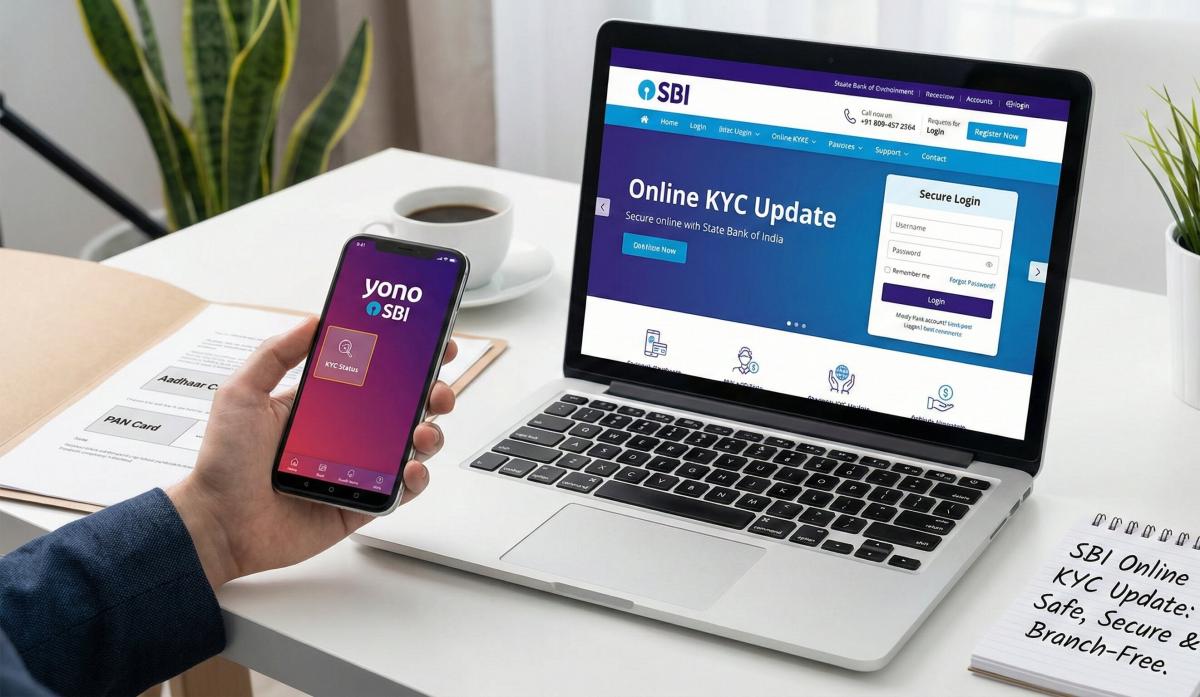
Table of Contents
- The "No-Change" Rule: Can You Really Skip the Branch?
- The Pre-Update Checklist
- Method 1: The Desktop Route (OnlineSBI)
- Method 2: The YONO App Route (Mobile-First)
- Method 3: The Email Shortcut (For NRIs & Remote Users)
- Why Your Branch IFSC Matters Here
- Security Watch: The 2026 Safety Rules
- Troubleshooting: "Help, It Failed!"
- Frequently Asked Questions (FAQ)
Let’s be real: nobody wants to spend their lunch break standing in a bank queue just to prove they still live at the same address.
In the past, a "KYC Update Due" message meant a mandatory trip to the branch with a stack of photocopies. But in 2026, things have changed. If your State Bank of India (SBI) account is flagged for a KYC update, you can usually fix it from your couch in about 10 minutes.
Whether you are using the OnlineSBI portal on your laptop or the YONO app on your phone, the process is now almost entirely digital. However, the rules have tightened up a bit this year.
This guide walks you through the exact steps to update your KYC online, explains the new 2026 RBI security checks, and tells you when you actually have to visit a branch (yes, there are still a few exceptions).
The "No-Change" Rule: Can You Really Skip the Branch?
Before we start, let's figure out if you are eligible for the online route. In 2026, SBI categorizes updates into two buckets. Which one are you?
|
Your Situation |
The Solution |
|
"Nothing has changed."
(Same address, same phone, same name) |
Lucky You! You can do a "No-Change" confirmation instantly via Net Banking or YONO. |
|
"My address changed."
(But my Aadhaar is already updated) |
Good News. You can use the "e-KYC via Aadhaar OTP" method online. |
|
"My Name/Signature changed."
(Marriage, legal change, etc.) |
Bad News. You must visit the branch. Biometric verification is required for this. |
|
"My Mobile Number changed." |
Branch/ATM Visit. You cannot update the mobile number itself via net banking for security reasons. |
The Pre-Update Checklist
Don't be that person who gets a "Session Timed Out" error because they were looking for their passbook. Grab these 4 things before you log in:
- Your Login Credentials: Username and Password.
- Your Profile Password: This is different from your login password. It’s the secondary password you set for high-security transactions. (Forgot it? You can reset it using your ATM card).
- Your Registered Mobile: It needs to be active and in your hand to receive the OTP.
- Documents (If uploading): If you need to upload proof, have a clear PDF or JPG of your PAN or Aadhaar. Keep the file size under 2MB.
Method 1: The Desktop Route (OnlineSBI)
I recommend this method if you need to upload documents, as the desktop interface is much more stable than the app for file handling.
Step 1: Log In and Navigate
Go to the official portal: https://www.onlinesbi.sbi.
- Once logged in, look at the top navigation bar.
- Click on “My Accounts & Profile”.
Step 2: Find the Link
- A menu will drop down. Click on “Update KYC”.
- Security Check: The system will ask for your Profile Password. Enter it to proceed.
Step 3: The Declaration
- Select your account number from the dropdown list.
- The screen will display the address SBI currently has on file for you.
- Scenario A: If the address is correct, simply click "No Change in KYC Instructions".
- Scenario B: If you need to update the address, click "Update Address" and enter your Aadhaar number for validation.
Step 4: Final Authorization
- You will receive a high-security OTP on your mobile.
- Enter it and hit Submit.
- Success: You should see a reference number on the screen. Screenshot this! It’s your proof if the bank delays the update.
Method 2: The YONO App Route (Mobile-First)
If you are just confirming that "nothing has changed," YONO is much faster.
- Log In: Open the YONO SBI app and enter your MPIN.
- The Menu: Tap the "Hamburger Menu" (the three lines in the top-left corner).
- Service Request: Tap on “Service Request”.
- The KYC Icon: Look for a tile that says “Update KYC”.
- Note: If this icon is greyed out or missing, it usually means your KYC is already up to date, and you don't need to do anything!
- Review & Submit: The app will show your current details. Tick the box that says "I confirm the above details are correct" and enter the OTP sent to your phone.
Method 3: The Email Shortcut (For NRIs & Remote Users)
Can't access the portal? You can actually email your documents!
- The Rule: You must email from your Registered Email ID (the one linked to the bank) to your Branch's Official Email ID.
- The content: Attach a self-attested scan of your PAN and Aadhaar.
- The Subject Line: "KYC Updation for Account No [Your Number] - [Your Name]".
Why Your Branch IFSC Matters Here
Since you are reading this on ifsc.co, here is a technical detail most people miss.
When you update your KYC, the request is routed to your Home Branch. The system identifies your branch using its Branch Code (which is the last 5 digits of your IFSC Code).
- The Trap: If your home branch was part of a merger in 2025 (e.g., smaller branches merging into a main hub), your IFSC might have changed.
- The Fix: Before you submit, use our IFSC Search Tool to check your branch status. If your branch has merged, you might need to select the new branch code in the dropdown menu to ensure your KYC request doesn't get lost in the system.
Security Watch: The 2026 Safety Rules
Scammers love KYC updates. In 2026, "KYC Phishing" is the #1 banking scam in India. Here is how to stay safe:
- The "APK" Scam: SBI will NEVER send you an SMS saying "Your KYC is expired, download this APK to update." If you see this, delete it. It’s a virus.
- The "Screen Share" Trap: If you get a call offering to "help" you update your KYC, and they ask you to download AnyDesk, TeamViewer, or QuickSupport—HANG UP. They are trying to view your screen to read your OTPs.
- Risk-Based Authentication: Under new RBI rules, if you try to update your KYC from a weird location (like a VPN or a new device), SBI might block the request temporarily. This is a feature, not a bug. Turn off your VPN and try again.
Troubleshooting: "Help, It Failed!"
Stuck? Here are the common fixes.
|
Error Message |
What it Means |
The Fix |
|
"Session Timed Out" |
You took too long to find your docs. |
Refresh the page. Have your Profile Password ready before you start. |
|
"Invalid Profile Password" |
You are typing your Login password by mistake. |
Click "Forgot Profile Password" and reset it using your ATM card details. |
|
"Please Visit Branch" |
Your account status is "High Risk" or Dormant. |
The online tool won't work. You legally must visit the branch with original docs. |
|
"KYC Due Date Not Reached" |
You are trying to update too early. |
Relax! You don't need to update yet. The option will enable when you are due. |
Frequently Asked Questions (FAQ)
Q1: How long does it take to update?
A: If you do it online, it usually reflects in the system within 24 to 48 hours. You will get an SMS confirmation.
Q2: My account is already frozen. Will online KYC unfreeze it?
A: Yes! Once the system validates your online submission (usually overnight), the freeze is lifted automatically.
Q3: Can I change my mobile number during this process?
A: No. Changing a mobile number is considered a "Critical Security Event." You must go to an SBI ATM or a branch to change your phone number first.
Q4: Is Video KYC available for re-KYC?
A: Sometimes. If your update requires more than just a document upload (like a signature verification), the system might give you a link for a Video KYC (V-CIP) call. This connects you to a bank agent via video chat to show your original PAN card.
About the Author
The Editorial Team at ifsc.co
We are a team of financial researchers dedicated to simplifying banking for Indian users. This guide was verified against the latest SBI 2026 Procedural Guidelines and RBI Circulars to ensure accuracy.
Disclaimer: We are an informational resource. For specific account issues, please contact State Bank of India directly.
Related Blogs
Published on Aug 02, 2025
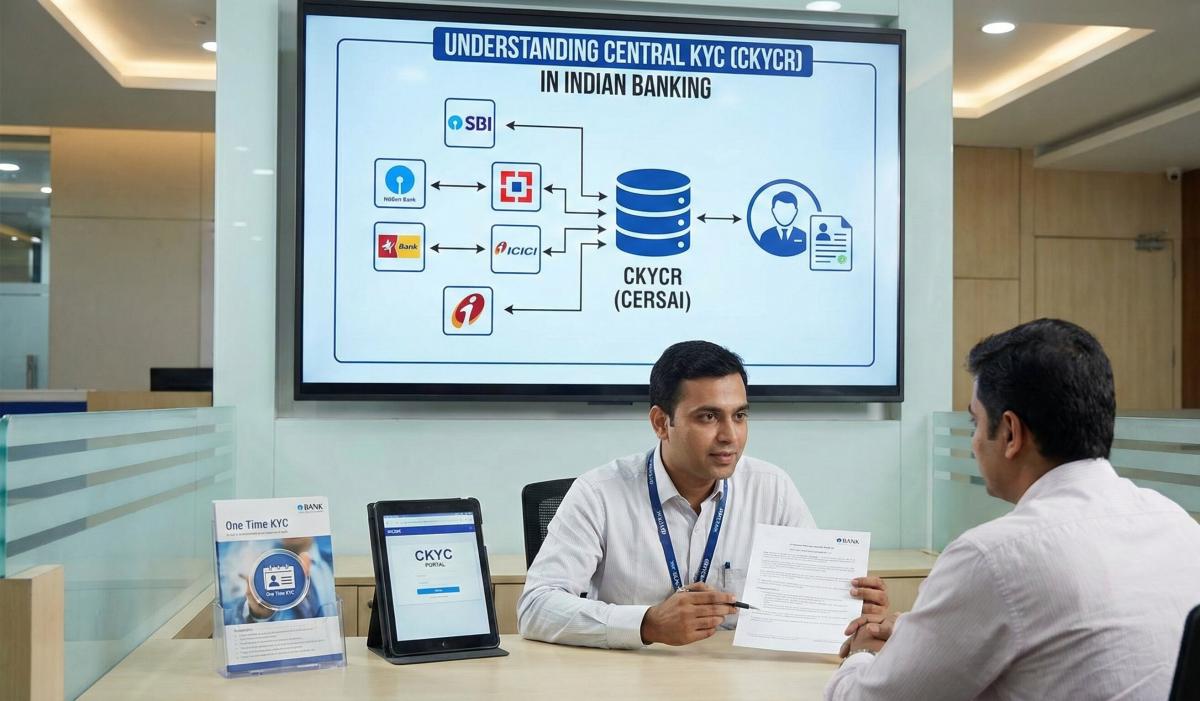
Understanding Central KYC (CKYCR): How It Simplifies Your Banking Experience
Learn about Central KYC Registry (CKYCR) in India. Understand its role, benefits, and how it streamlines banking KYC process.
Priya Nair
Senior Compliance Editor at IFSC.co
Published on Jul 18, 2025
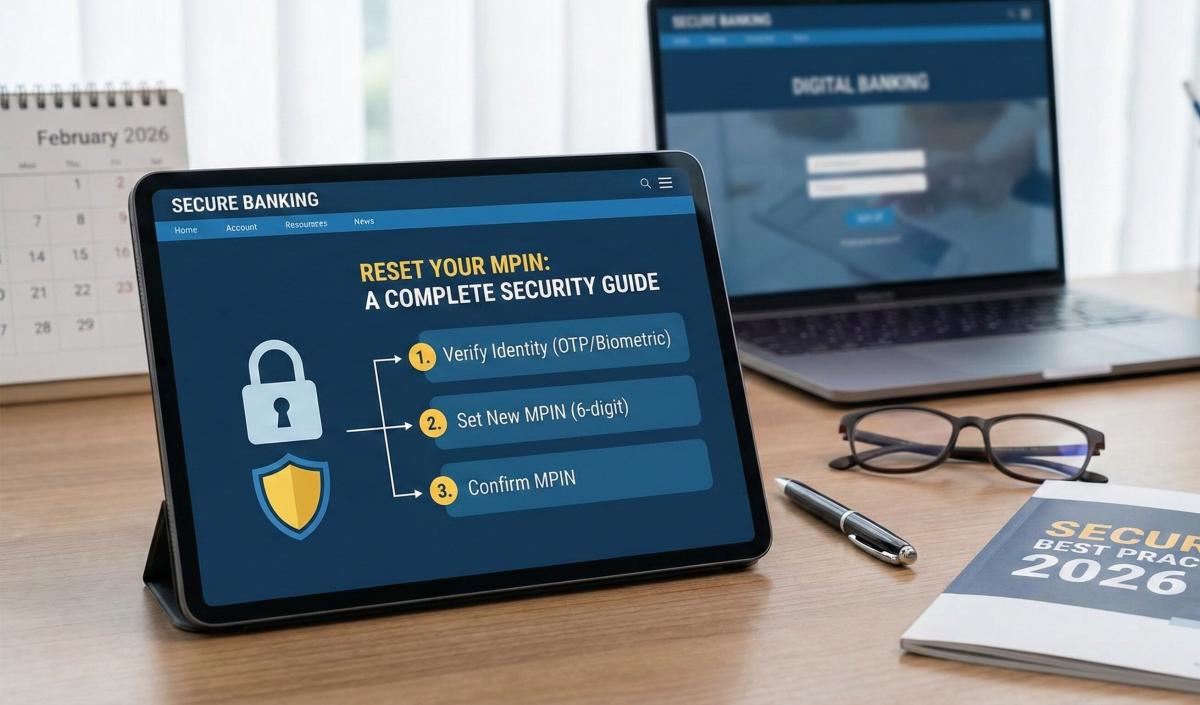
Axis Bank Mobile Banking: Steps to Reset Your MPIN and Secure Your Transactions (2026 Guide)
Forgot your MPIN? Learn how to reset it safely. Step-by-step guide for all banks to recover your mobile banking access securely.
Priya Nair
Senior Compliance Editor at IFSC.co
Published on Jul 02, 2025
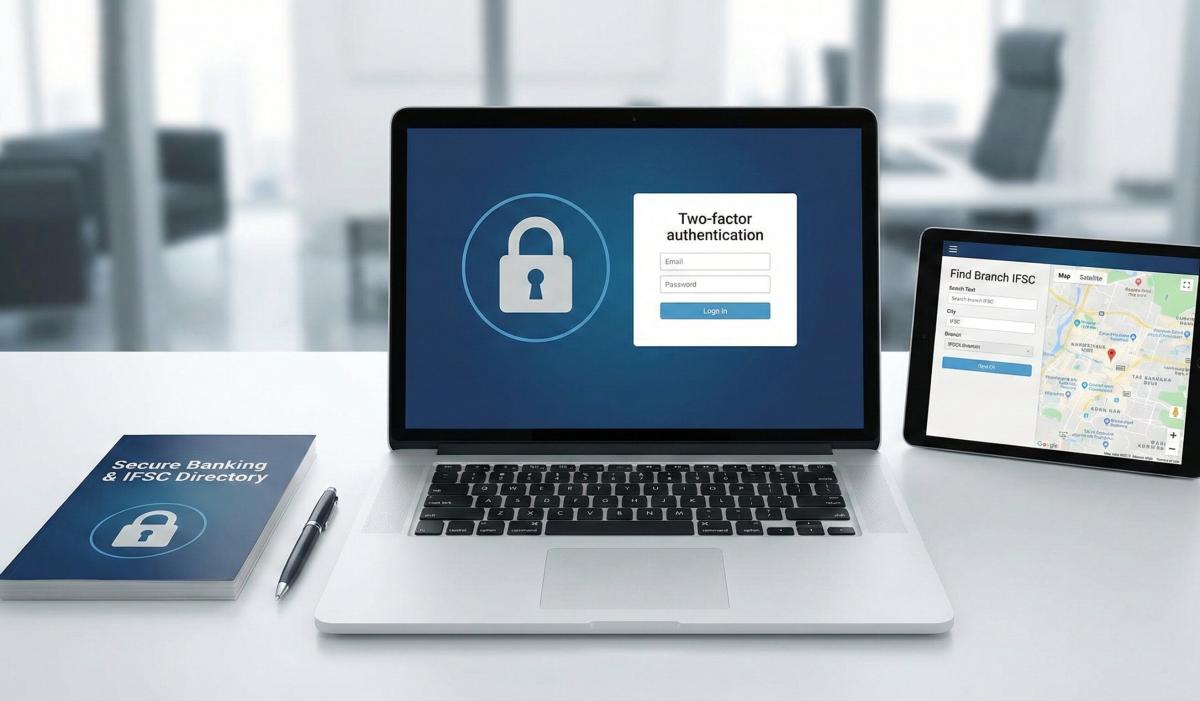
ICICI Bank iMobile Pay: How to Securely Manage Your Account and Find Branch IFSCs (2026 Guide)
Learn best practices for secure account management and how to find your branch IFSC code. Protect your banking information effectively.
Arjun Sharma
Content Lead – Banking & Payments
Published on Jun 28, 2025
How to Detect and Avoid Digital Banking Scams: A 2026 Security Handbook
Protect your finances! Learn how to detect and avoid digital banking scams in 2026. Recognize phishing, fraud, and secure your accounts today.
Arjun Sharma
Content Lead – Banking & Payments
calculate Financial Calculators
EMI Calculator
FD Calculator
GST Calculator
Lumpsum Calculator
Mutual Fund Returns Calculator
PPF Calculator
RD Calculator
SIP Calculator
SWP Calculator
article Latest Blog Posts
A Comprehensive Guide to Home Loan Interest Rates: Fixed vs. Floating in 2026
A detailed 2026 guide to home loan interest rates comparing fixed, floating, and hybrid options. Learn the real cost difference, EMI impact, risks, RBI policies, and which option saves you more over 20 years.
EMI & Loans • 8 MINS READ
Mutual Fund Returns Calculator: How It Works, Accuracy & FAQs Explained
A Mutual Fund Returns Calculator helps you estimate the future value of your mutual fund investment using inputs like investment amount, tenure, contributions, and expected returns. It uses compounding to project potential growth and helps you plan smarter investment decisions.
SIP & Investing • 6 MINS READ
NEFT vs RTGS vs IMPS vs UPI: Which Transfer Method Should You Use?
NEFT, RTGS, IMPS, or UPI — which transfer method should you use? Compare limits, timing, charges and best use cases. Full guide with 2025 RBI & NPCI figures.
Banking & Transfers • 16 MINS READ
New Tax Regime vs Old Tax Regime: A Real-Numbers Comparison for Salaried Indians (FY 2025-26)
New vs old tax regime FY 2025-26 — compare real tax on ₹6L, ₹10L & ₹15L salaries. See who pays zero tax and find your break-even point.
Tax & Financial Planning • 15 MINS READ
Planning an FD? Don’t Miss These Top Questions About FD Calculators
Curious how FD calculators work? This guide answers the top questions to help you calculate returns, compare plans, and invest smarter in fixed deposits.
FD, PPF & Savings • 5 MINS READ